What Is a Webhook? How It Works, Examples & Best Practices
Learn what webhooks are, how they work, and when to use them. Includes code examples, security best practices, and real-world use cases for payment processing, CI/CD, and integrations.
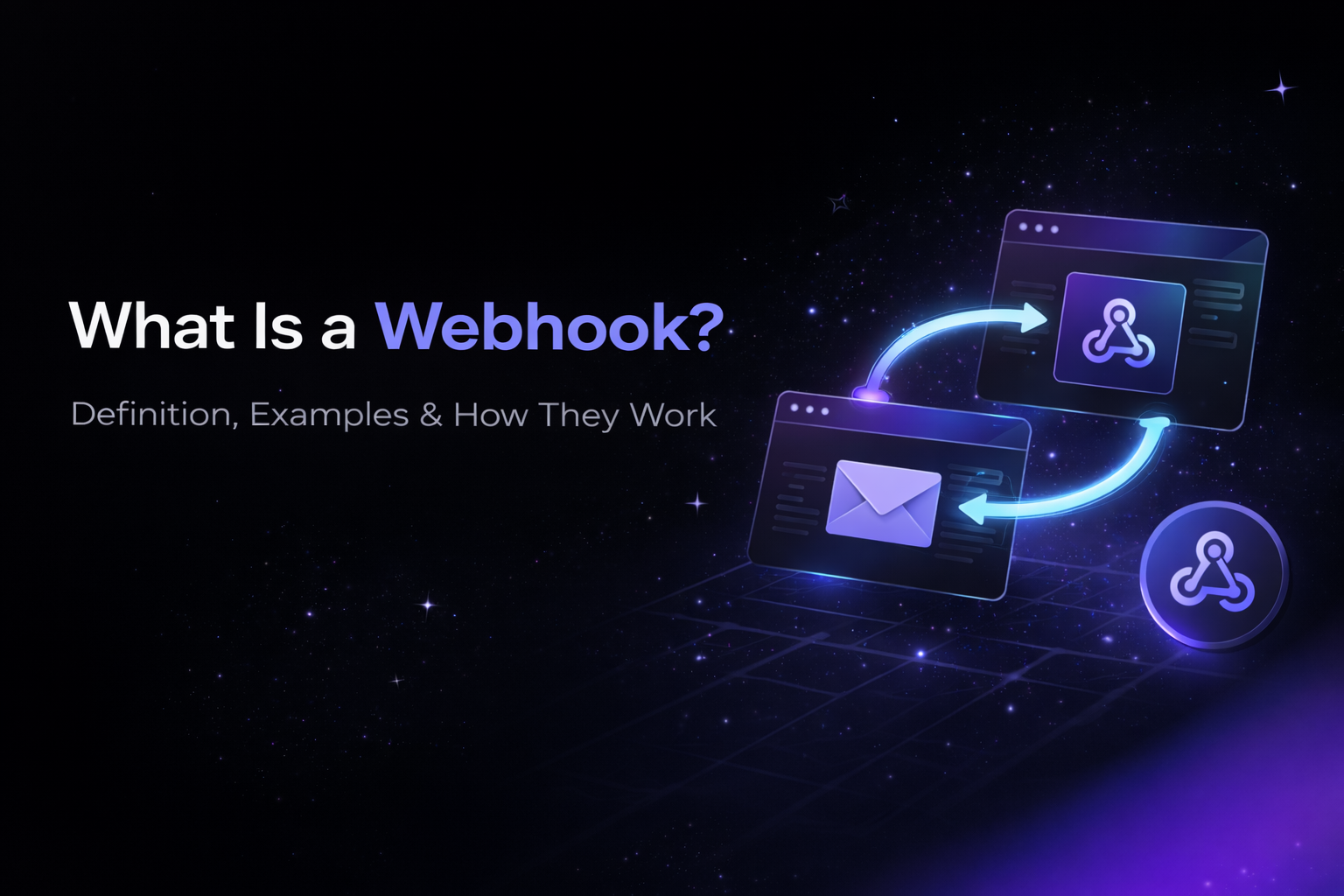
A webhook is an automated HTTP callback that sends real-time data from one application to another when a specific event occurs. Unlike traditional APIs where you repeatedly ask “any updates?”, webhooks push data to you instantly when something happens.
Definition: A webhook (also called a web callback or HTTP push API) is a user-defined URL that receives an HTTP POST request containing event data whenever a specified trigger occurs in the source application.
TL;DR - Webhooks in 30 Seconds
Webhooks use a push-based model, meaning data is sent automatically when an event happens. Traditional API polling uses a pull-based model, where your application repeatedly requests updates.
Webhooks deliver data in real time, are far more efficient, and dramatically reduce server load. Polling introduces delays, increases infrastructure cost, and results in thousands of unnecessary requests.
Webhooks are best suited for notifications, system integrations, and automation. APIs are best for on-demand data access and CRUD operations.
Real-world example: When a customer completes a purchase on Shopify, a webhook instantly notifies your inventory system, email service, and analytics platform - without polling.
What Is a Webhook and How Does It Work?
A webhook works like a notification system between applications. Instead of constantly checking for updates, you give an application your URL and say, “Call me when something happens.”
Analogy: Polling is like checking your mailbox every five minutes. Webhooks are like mail being delivered instantly when it arrives.
How Webhooks Work (Step by Step)
- First, you register your callback URL with a service.
- Next, a specific event occurs, such as a customer placing an order.
- The service detects that event and triggers the webhook.
- An HTTP POST request containing event data is sent to your URL.
- Your server receives and processes the data.
- Finally, your server responds with a 200 OK status to confirm receipt.
What Are the Two Requirements for Webhooks?
For webhooks to function, two things must be in place.
First, you need a publicly accessible HTTPS endpoint. Your server must be reachable over the internet and secured with TLS.
Second, you must subscribe to specific events. You explicitly tell the service which events should trigger a webhook, such as payment.completed or order.created.
Webhook Definition (Technical)
A webhook is a user-defined HTTP callback URL that receives an HTTP POST request containing a structured payload - typically JSON - whenever a predefined event occurs in the source system.
Every webhook consists of:
- An event, which triggers delivery
- A payload, containing event data
- A callback URL, which receives the request
- Headers, often used for authentication and signatures
Example Webhook Payload
When a payment succeeds, a service like Stripe sends a payload containing the event type, timestamp, and associated data object such as payment amount, currency, customer ID, and status.
What Is the Difference Between a Webhook and an API?
The fundamental difference is who initiates communication.
With an API, your application initiates the request and asks for data. This is known as a pull model.
With a webhook, the server initiates communication and sends data to you automatically. This is known as a push model.
APIs are best for synchronous requests, data retrieval, and CRUD operations. Webhooks are best for real-time notifications, integrations, and event-driven automation.
Most modern systems use both together.
Webhooks vs Polling: Why Webhooks Are More Efficient
Polling means your application repeatedly asks a server if something has changed. Most of the time, nothing has.
Webhooks eliminate this waste. The server sends exactly one request at the moment an event occurs.
If you poll every five seconds, you make over 17,000 requests per day—even if nothing happens. With webhooks, requests only occur when events actually happen, often reducing traffic by more than 99%.
How to Implement Webhooks
Receiving Webhooks in Node.js
app.post('/webhooks/stripe', express.json(), (req, res) => { verifySignature(req); handleEvent(req.body); res.status(200).send('OK');});Receiving Webhooks in Python
@app.route('/webhooks/stripe', methods=['POST'])def webhook(): verify_signature(request) process_event(request.json) return '', 200Registering a Webhook
Most services provide an API or dashboard where you register your webhook URL and select which events you want to receive.
Testing Webhooks Locally
Because webhooks require a public URL, tools like ngrok can expose your local server during development so you can test webhook delivery.
Common Webhook Use Cases
- Payment processing:
When a payment succeeds or fails, your system updates order status and sends receipts automatically. - E-commerce integrations:
When an order is created, inventory is updated, confirmation emails are sent, and analytics events fire. - CI/CD pipelines:
When code is pushed, builds are triggered, tests run, and deployment notifications are sent. - CRM synchronization:
When a contact is created, the data syncs to internal systems and email workflows begin. - Messaging platforms:
Incoming messages trigger chatbot logic, logging, or automated responses.
Webhook Security Best Practices
- Always verify webhook signatures using the secret provided by the service.
- Only accept webhooks over HTTPS.
- Validate that payloads contain expected fields and correct data types.
- Handle duplicate deliveries using idempotency keys or event IDs.
- Respond quickly - ideally within five seconds, and process heavy work asynchronously.
A webhook is just an HTTP request. Its security depends entirely on your implementation.
Handling Webhook Failures
If your webhook endpoint is unavailable or returns an error, most services retry delivery automatically.
Retries typically occur over minutes or hours, depending on the provider. During outages, events are queued on the sender’s side.
To avoid data loss, your webhook endpoint should acknowledge requests immediately and push processing into a background queue using tools like Redis, SQS, or RabbitMQ.
Documenting Webhooks for Your API
If your API sends webhooks, documentation is essential.
You should clearly document:
- Available event types
- Payload schemas
- Signature verification steps
- Retry behavior
- Testing and sandbox tools
Clear webhook documentation reduces integration friction and support requests.
Key Takeaways
- Webhooks enable real-time, event-driven communication between systems.
- They push data automatically instead of requiring polling.
- They dramatically reduce unnecessary API calls.
- They require HTTPS, signature verification, and fast responses.
- They work best alongside traditional APIs, not instead of them.
Next Steps
- If you’re building APIs that send webhooks, document your events clearly.
- If you’re integrating multiple systems, favor event-driven workflows.
- If you need real-time automation, webhooks are the right tool.
Frequently Asked Questions
What is a webhook and how does it work?
A webhook is an automated HTTP callback that sends real-time data from one application to another when a specific event occurs. It works by: (1) You register your callback URL with a service, (2) When an event happens (like a payment completing), the service sends an HTTP POST request to your URL with event data, (3) Your server receives the data, processes it, and returns a 200 status code to confirm receipt. Unlike APIs where you poll for updates, webhooks push data to you instantly.
What is the difference between a webhook and an API?
The main difference is who initiates the communication. With an API, your application requests data (pull model) — you ask “any updates?” and get a response. With a webhook, the server sends data to you automatically (push model) — you're notified instantly when events occur. APIs are best for on-demand data retrieval and CRUD operations. Webhooks are best for real-time notifications, integrations, and automated workflows. Most applications use both together.
What are the two requirements for an application to communicate with a webhook?
Two requirements must be met for webhook communication: First, you need a publicly accessible HTTPS endpoint — your server must be reachable over the internet with a valid SSL certificate. Second, you must subscribe to specific events — you register your URL and tell the service which events you want to receive (like “payment.completed” or “order.created”). Without both a public URL and event subscription, webhooks cannot function.
Are webhooks secure?
Yes, webhooks are secure when implemented correctly. Best practices include: always verify webhook signatures using the secret key provided by the service, only accept webhooks over HTTPS (never HTTP), validate that payloads contain expected fields and data types, implement idempotency to handle duplicate deliveries, and respond quickly (under 5 seconds) to prevent timeouts. The webhook itself is just an HTTP request — security depends entirely on your implementation.
What happens if my webhook endpoint is down?
When your webhook endpoint is down, most services automatically retry delivery. Typical retry schedules vary: Stripe retries 3 times over 24 hours, Shopify retries 19 times over 48 hours, and GitHub retries 3 times within 10 minutes. During the outage, events queue up on the sender's side. To handle this reliably, implement a message queue (like Redis or RabbitMQ) that accepts webhooks quickly and processes them asynchronously, so temporary failures don't cause data loss.