
Design, Manage, and Scale Your API Developer Portal
Theneo lets you create dynamic developer portals that bring all your APIs, documentation, SDKs, and guides into one branded, searchable hub.
Whether you manage a single public API or dozens of internal and partner APIs, Theneo gives you the tools to publish, organize, and evolve your developer portal - fast.


Customize or Innovate:
Your Developer Portal, Your Way
Start with ready-to-use templates or fully customize your portal to match your brand and product experience.
Design a developer portal that reflects your brand and product identity, supports multiple APIs and versions and evolves as your API ecosystem grows.


Brand It Your Way
From our ready-to-use configurations to your original code, Theneo embraces your brand's unique vision. Customize your portal to stand distinctively in the digital landscape, ensuring your developer hub is as unique as your tech.


Showcase Your API Portfolio
With Theneo, bring your API references into the spotlight. Our platform enables you to present your APIs in a dedicated showcase, making it easy for users to discover and understand the full range of your offerings at a glance.


Showcase SDKs & Guides
Theneo isn't just for API documentation. Expand your resource library by documenting SDKs and guides alongside APIs, creating a rich, integrated experience for developers on your portal.


Elevate Engagement with Al Chat & API Explorer
Opt for industry-leading templates, bring your custom design, or let our creative team craft a unique portal. With Theneo, you have the freedom to create a developer portal that truly reflects your brand's innovation and vision.


.webp)
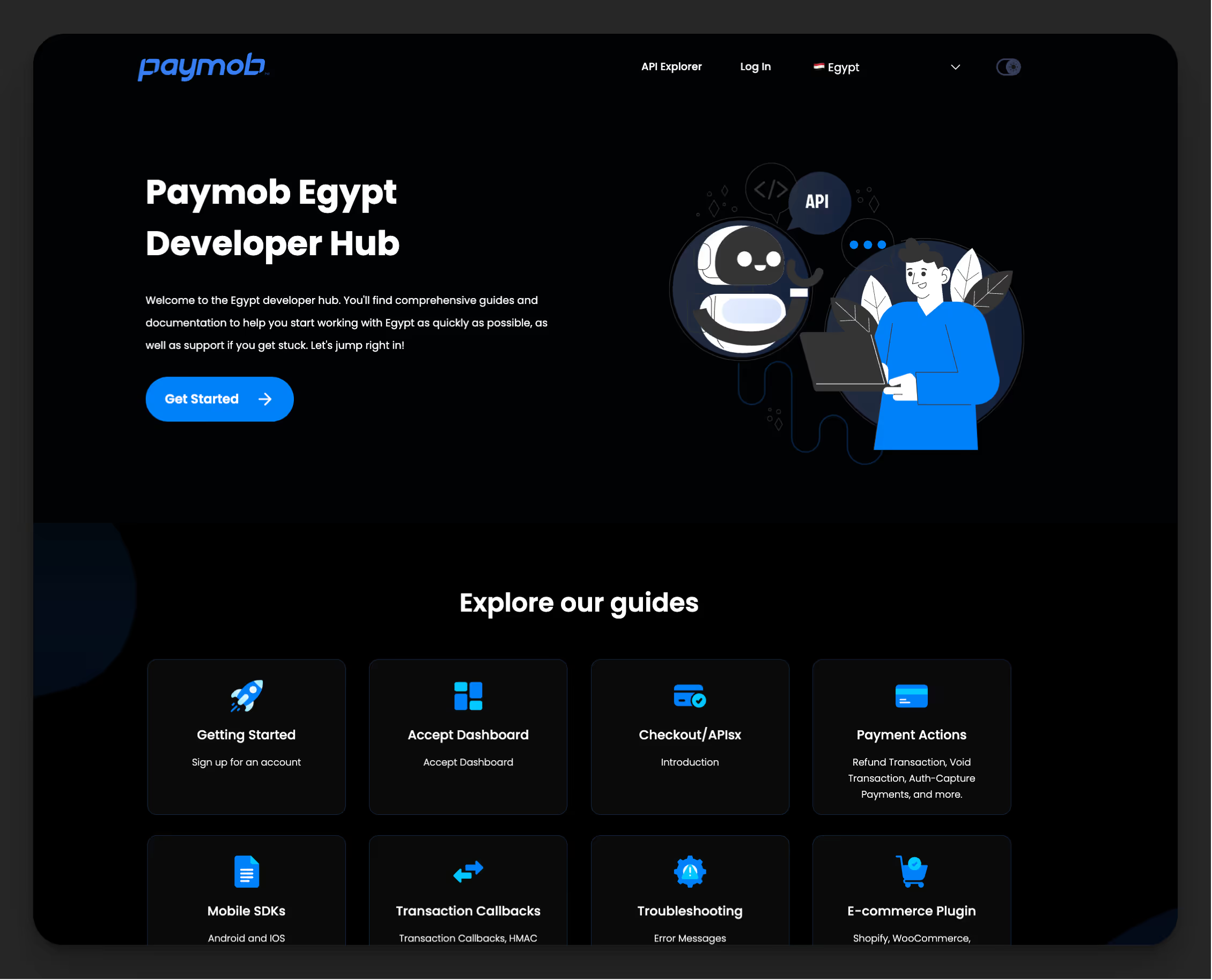
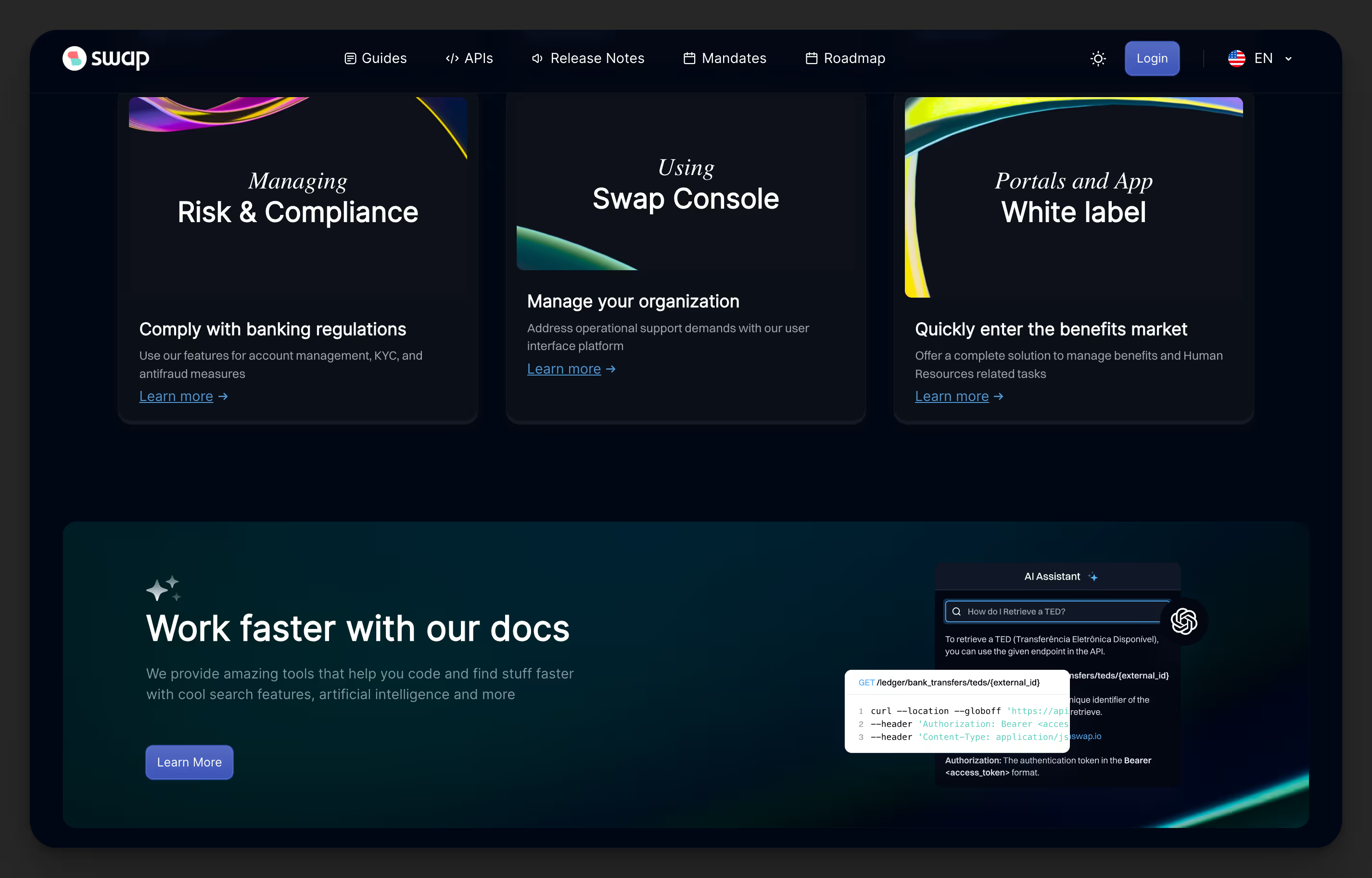
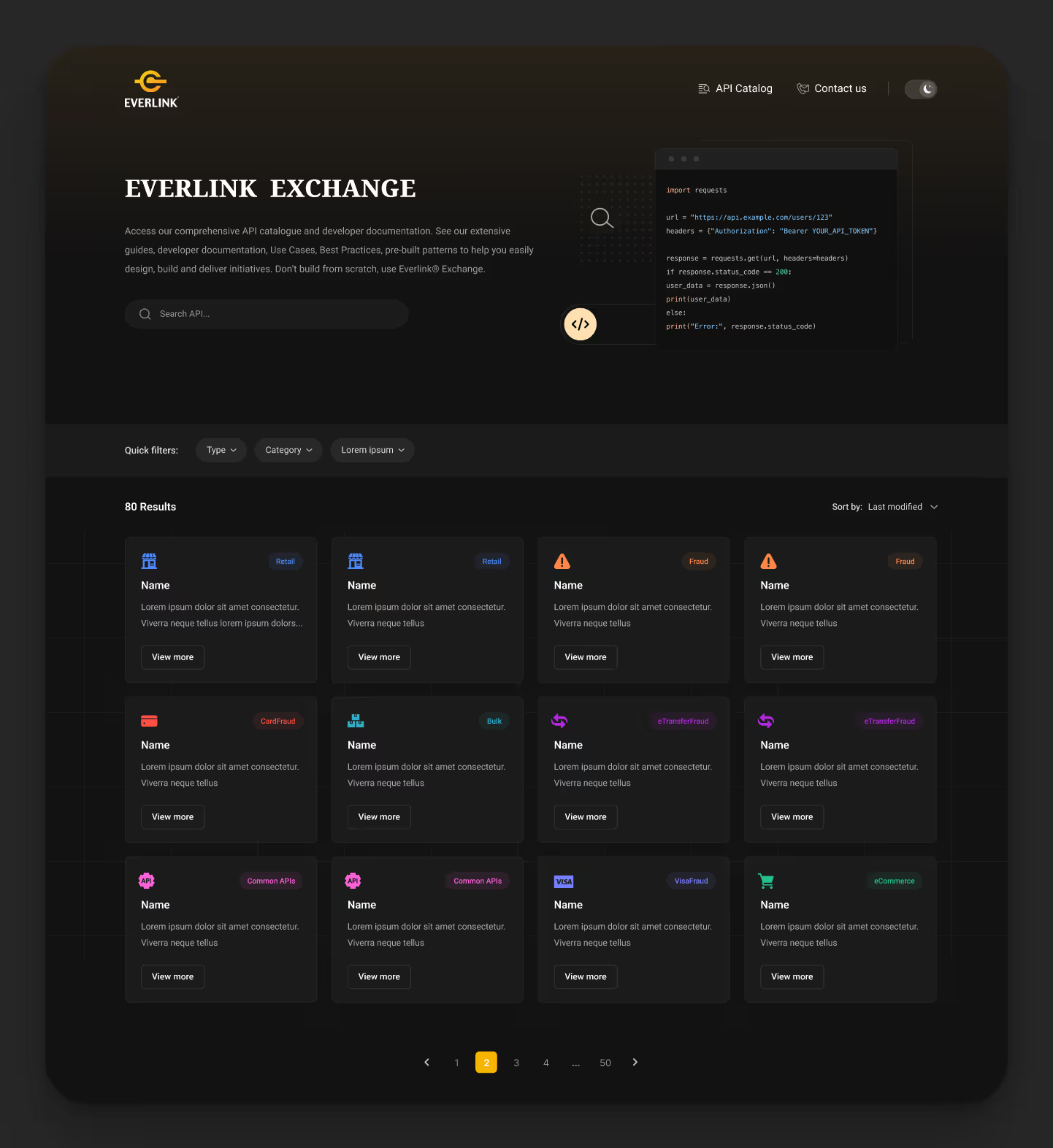
Showcase
See our developer portals in action



Frequently Asked Questions
Everything you need to know about Theneo's Developer Portal
.svg)
.svg)
A developer portal is a centralized platform where developers can discover, understand, and integrate your APIs. It typically includes API documentation, SDKs, guides, and tools. A well-designed developer portal improves API adoption, reduces support requests, and creates a better developer experience.
Theneo goes beyond static API documentation. It allows you to create dynamic, fully branded developer portals that support multiple APIs, versions, SDKs, and resources - all connected through a single interface. It’s built for teams managing evolving API catalogues, not just single specs.
Yes. Theneo is designed for API catalogues. You can publish, organize, and link multiple APIs within the same developer portal, making it easy for developers to navigate between related services and versions.
Absolutely. Theneo supports internal, partner, and public API use cases. You can structure your developer portal to match your access model and grow it alongside your API strategy.
Theneo automatically detects changes through two primary methods:
CI/CD Pipeline Integration: By integrating Theneo with your existing CI/CD pipeline, it can monitor and identify changes every time you deploy updates. This ensures that any modifications made during the development and deployment processes are captured seamlessly.
Web Editor Deployments: If you manually make changes using Theneo's web editor and deploy them, Theneo will automatically detect these updates. This flexibility allows you to manage changes both programmatically and manually without missing any alterations.
This dual approach ensures comprehensive and real-time tracking of all changes to your API and documentation without requiring manual intervention.
We employ universally agreeable criteria to identify breaking changes in your API. Currently, it detects changes such as:
Making Optional Fields Required: Changing a previously optional parameter to mandatory.
Removing Endpoints: Deleting existing API endpoints.
Modifying Parameter Types: Altering the data type of existing parameters.C
hanging Response Structures: Altering the structure of the API responses in a way that affects existing integrations.
In the future, we will offer the flexibility to define additional rules tailored to your specific API requirements, allowing for more customized detection of breaking changes.
Theneo's AI-powered release summaries provide a comprehensive overview of all changes, including:
Added: Introduction of new API endpoints, parameters, or documentation sections.
Updated: Modifications to existing endpoints, parameters, or documentation content to enhance functionality or clarity.
Deleted: Removal of outdated or deprecated endpoints, parameters, or documentation sections.
Deprecated Features: Features that are phased out and may be removed in future releases.
Breaking Changes: Significant alterations that may affect existing integrations, as detailed in our breaking changes detection.
No, Theneo's changelog features are completely free. Users can subscribe to and receive as many updates as they want without any cost. This allows your team and users to stay informed about all changes and enhancements without any financial barriers.


