

Automated API and Documentation Tracking
Theneo detects every change in your API — endpoint additions, parameter modifications, and breaking updates — along with any documentation edits, such as new sections or revised content. Your changelog stays accurate without anyone updating it by hand.
AI-Powered Release Summaries
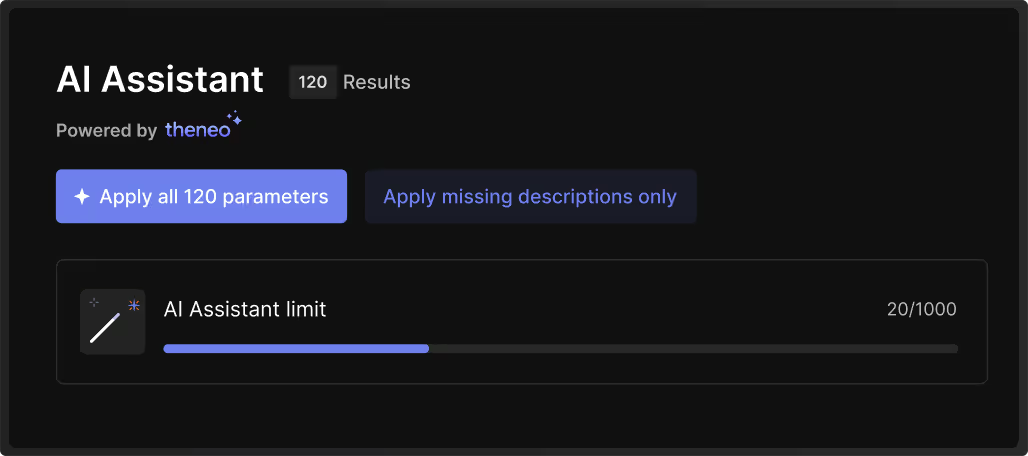
Our AI analyzes all detected changes in your API and documentation to produce concise and informative release notes. This makes it easier for your users to understand the latest updates and enhancements.
Real-Time Update Subscriptions
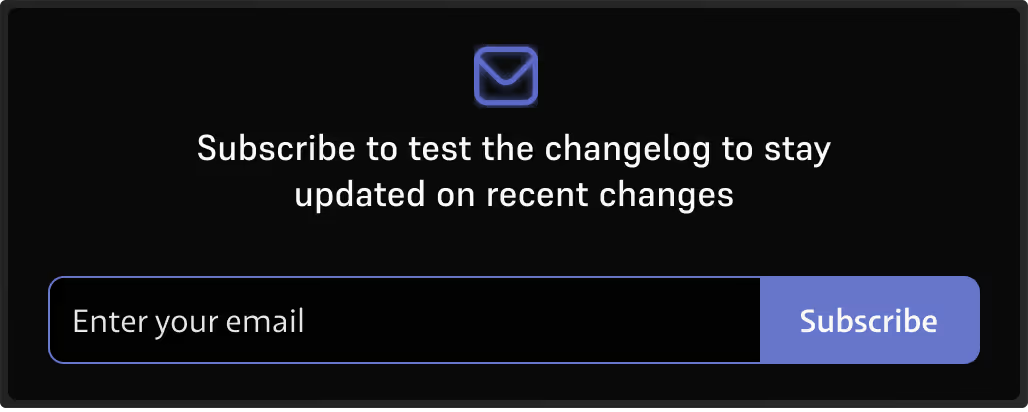
Enable users to stay current with instant changelog notifications.Theneo lets your users subscribe to your API docs, delivering timely updates directly to their inboxes or preferred channels. This enhances user engagement and ensures they are always informed about the latest changes.

.webp)
Frequently Asked Questions
Everything you need to know about Changelog.
.svg)
.svg)
Yes. Every time you import a new API spec and click Publish, Theneo diffs it against theprevious version and logs what changed — no manual writing and no separate diff tool.Detection runs through two routes:
CI/CD pipeline integration. Connect Theneo to your existing pipeline and it identifieschanges on every deploy, so anything shipped during development and release is capturedautomatically.
Web editor deployments. Changes made by hand in Theneo's editor are detected when youpublish, so programmatic and manual updates are both covered.Everything lands on a dedicated changelog page with timestamps, giving you a full versionhistory without anyone maintaining it.
Readers subscribe directly on your changelog page by entering an email address and clicking Subscribe. From then on, every published change reaches them automatically, summarized, sonobody has to poll your docs to find out what moved. That matters most for breaking changes: the people whose integrations are about to fail hearabout it as part of your normal publish flow, rather than through a support ticket after thefact.
Theneo applies widely accepted criteria rather than guessing. It currently flags:
Optional fields becoming required - a previously optional parameter is now mandatory
Removed endpoints - an existing endpoint has been deleted.
Modified parameter types - the data type of an existing parameter has changed.
Changed response structures - the response shape has changed in a way that affects existing integrations.
Each detected breaking change is labelled as such in the changelog and in the release note, so consumers can tell at a glance whether an update needs action from them.
They come from the same publish event, so they cannot drift apart.When you publish, Theneo diffs the spec, records the changes, and writes the release note from those same changes. There is no second system to update and no separate release-notes tool to keep aligned — the changelog is generated from the documentation itself. Theneo also tracks documentation edits alongside spec changes, so new sections and revised content appear in the same history as endpoint changes.
Click Ask AI and Theneo acts as your technical writer: it reads every change in the newlypublished spec and produces a polished release note covering new endpoints, updateddescriptions, removed sections, and breaking changes.
To add one:
Open the Public Changelog section on your project dashboard.
Click Add Release Note
Write a short summary yourself, or click Ask AI to generate one
Saved notes appear on both your dashboard and your public changelog page. You can delete one atany time by hovering over it and clicking the trash icon.
Yes, at field level, and without deleting anything.
Open the Public Changelog tab, click Manage Visibility, and select the fields you want hidden.
Auto-generated fields created during spec imports are the usual candidates.
Hidden fields disappear from the public page while the underlying record stays fully intact, and they can be restored at any time with no data loss.
Changes take effect immediately on the live page — no republishing required.
Workspace Admins and Project Editors can manage and see hidden fields.
Viewers and public readers can do neither.
Yes. The changelog is entirely optional. Disable it any time in Project Settings → Features by toggling the changelog feature off.Individual entries can also be removed from the public changelog through your project configuration, under Public Changelog.
No. Theneo's changelog features are completely free. Your users can subscribe and receive as many updates as they want at no cost, so keeping your API consumers informed is never something you have to budget for.
We employ universally agreeable criteria to identify breaking changes in your API. Currently, it detects changes such as:
Making Optional Fields Required: Changing a previously optional parameter to mandatory.
Removing Endpoints: Deleting existing API endpoints.
Modifying Parameter Types: Altering the data type of existing parameters.C
hanging Response Structures: Altering the structure of the API responses in a way that affects existing integrations.
In the future, we will offer the flexibility to define additional rules tailored to your specific API requirements, allowing for more customized detection of breaking changes.
Theneo's AI-powered release summaries provide a comprehensive overview of all changes, including:
Added: Introduction of new API endpoints, parameters, or documentation sections.
Updated: Modifications to existing endpoints, parameters, or documentation content to enhance functionality or clarity.
Deleted: Removal of outdated or deprecated endpoints, parameters, or documentation sections.
Deprecated Features: Features that are phased out and may be removed in future releases.
Breaking Changes: Significant alterations that may affect existing integrations, as detailed in our breaking changes detection.
No, Theneo's changelog features are completely free. Users can subscribe to and receive as many updates as they want without any cost. This allows your team and users to stay informed about all changes and enhancements without any financial barriers.


