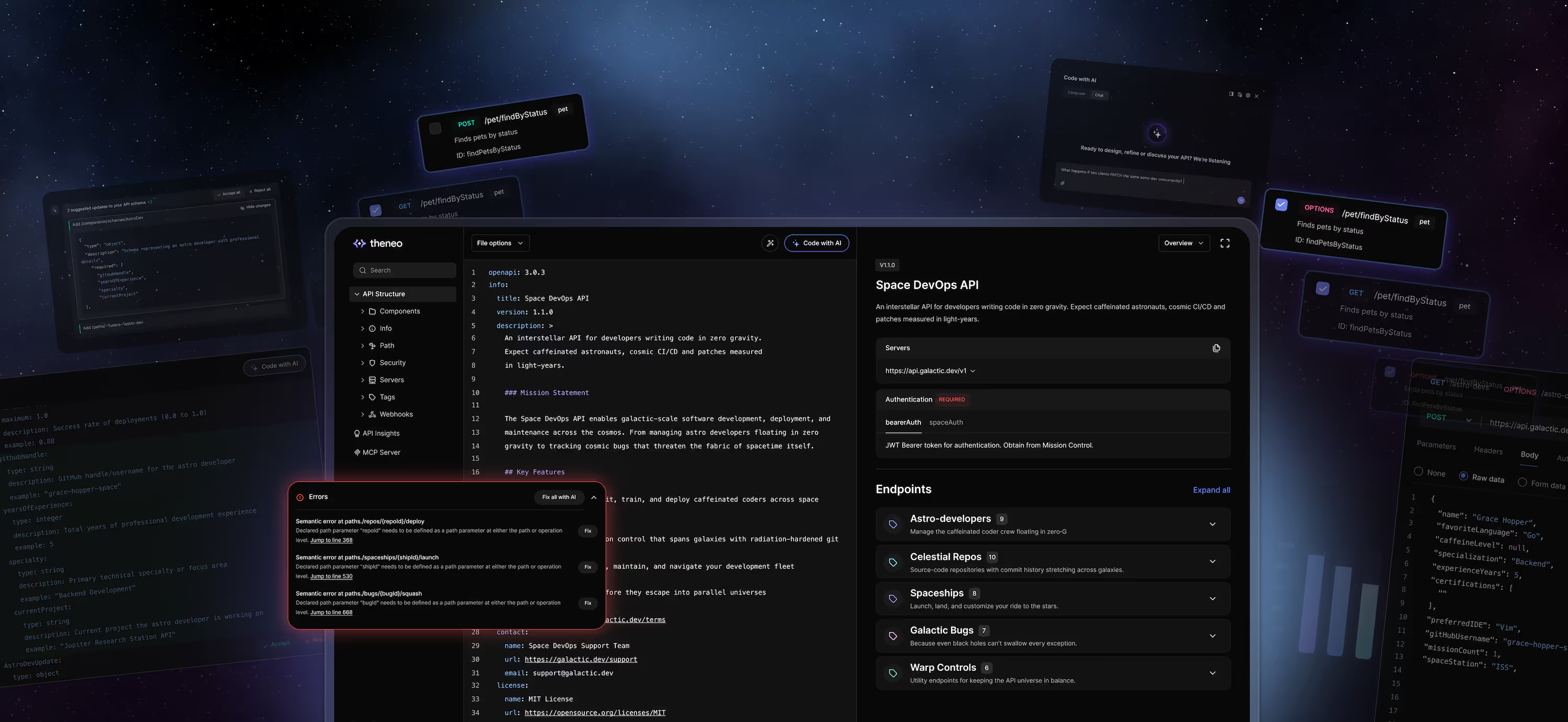
Ad Campaign Management
A customizable developer portal template for ad-campaign platforms. Document APIs for managing multi-channel advertising, covering campaigns, targeting, budgets, and reporting in one structured, developer-friendly hub. Fully editable in Theneo's low-code editor, it helps ad-tech teams present complex campaign endpoints clearly and onboard developers faster.

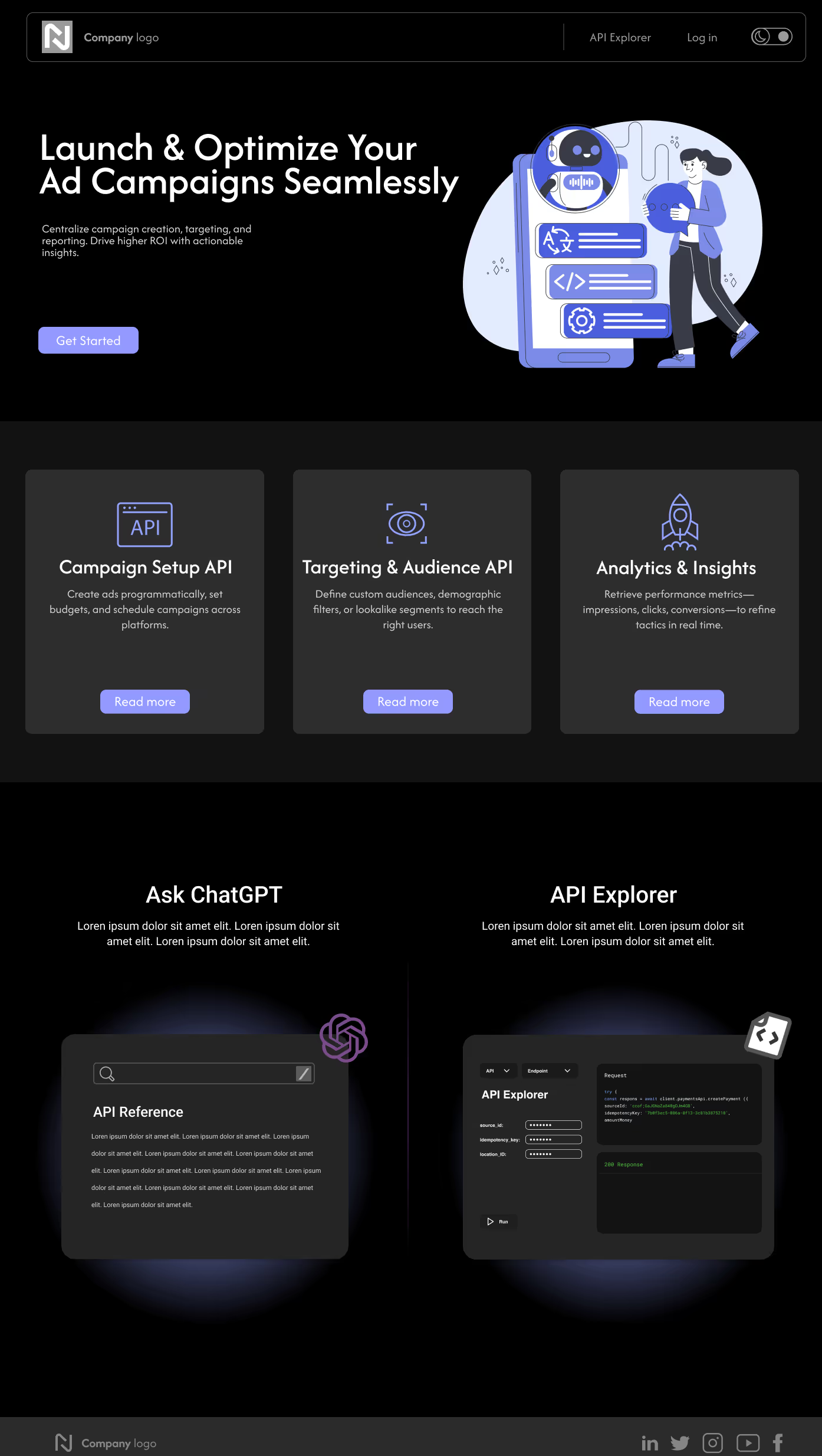
What this template includes
A complete developer portal scaffold for advertising platforms, covering the endpoints teams integrate against when they automate multi-channel campaign work.
- Campaign creation, scheduling, and lifecycle endpoints
- Audience targeting and segmentation references
- Budget, bidding, and spend-control documentation
- Reporting and performance analytics endpoints
- Interactive API explorer for testing calls in the browser
Who it's for
Built for ad-tech and marketing platforms that expose campaign management to partners or customers.
- Marketing and advertising platforms
- SaaS products with embedded campaign tooling
- Agencies offering programmatic APIs to clients
How to customize it
Every section, color token, logo, and layout block is editable in Theneo's low-code editor. Import your own OpenAPI, Swagger, Postman, or GraphQL specification and the reference pages generate automatically. Add guides, tutorials, and SDK documentation alongside the API reference to build a full portal rather than a bare endpoint list. See the developer portal overview for the full customization range.
Frequently asked questions
Which API specifications does this template support?
OpenAPI 3.x, Swagger 2.0, Postman collections, GraphQL schemas, and gRPC. Import your specification and Theneo generates endpoint descriptions, code samples, and interactive examples from it.
Can I change the branding and colors?
Yes. Colors, typography, logos, and layout blocks are all editable, and you can publish on a custom domain with full white-label branding so the portal looks like your product.
Do I have to use the sample advertising content?
No. The sample content demonstrates campaign management flows, but every field, section, and workflow can be renamed or replaced for any use case.
How do I get access to this template?
Message us in the in-app chat or email hello@theneo.io and we will enable it for your workspace.