API Documentation Best Practices: How to Simplify Integration for Developers (2026)
Learn API documentation best practices that reduce integration time from days to hours. Covers documentation, tools, error handling, and design patterns developers love.
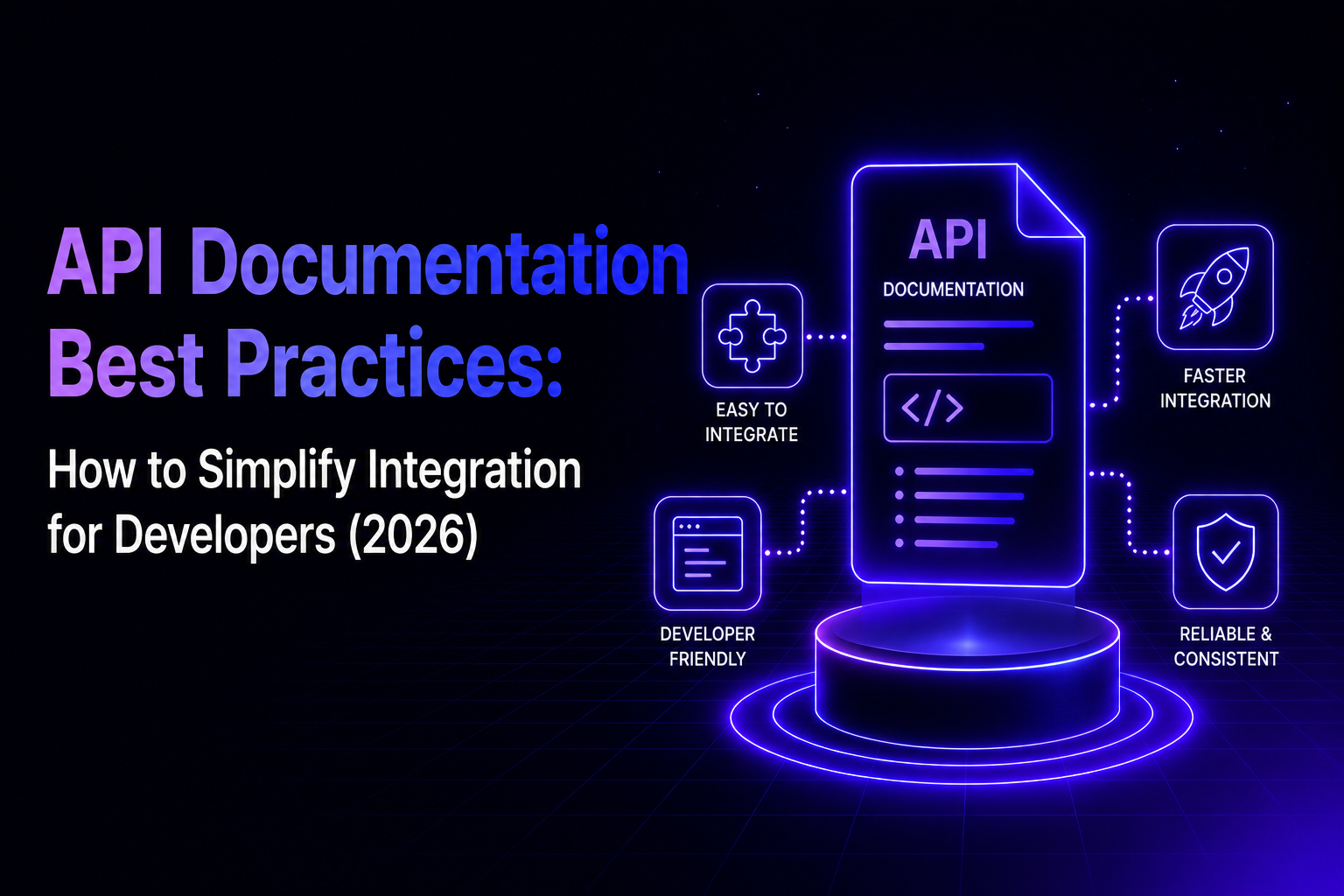
TL;DR: Poor API documentation is the top frustration developers face during integration, directly impacting adoption rates and support costs. This guide covers API documentation best practices, essential tools, and design principles that reduce integration time from days to hours. Whether you're building APIs or consuming them, these strategies will help you create documentation developers actually want to use.
Here's a scenario most developers know too well: you're integrating a third-party API, the deadline is Friday, and you've spent the last three hours trying to figure out why authentication keeps failing. The docs say one thing, the error message says another, and that promising Stack Overflow thread from 2021? It's for a deprecated version.
This is the API integration challenge that wastes countless development hours. Developers consistently rank poor documentation as their top frustration when working with APIs. In fact, 52% of developers say accurate documentation is the single most important API characteristic, ranking above performance and ease of use, following API documentation best practices isn't just about developer happiness. It directly impacts adoption rates, support costs, and how confidently teams can build on external services.
I've spent years helping companies level up their API documentation at Theneo - a platform that uses AI to generate and maintain API documentation automatically, and I've seen the same patterns repeat: the gap between API providers and the developers integrating with them creates blind spots that waste everyone's time.
This post breaks down practical ways to simplify API integration - whether you're building APIs or consuming them. We'll cover what good documentation actually looks like, which tools save the most time, and how thoughtful design eliminates entire categories of headaches.
Common API Integration Challenges (And Why They Persist)
APIs have been around for decades. We have standards like OpenAPI. We have sophisticated tooling. So why does integration still eat up so much development time?
The short answer: the people writing APIs often aren't the ones integrating with them. That disconnect creates blind spots. The authentication flow that seems obvious to the team who built it can be completely opaque to someone encountering it for the first time.
Why Most API Documentation Fails Developers
Most API docs fall into one of two traps. Either they're auto-generated reference docs with no context - lists of endpoints and parameters without guidance on how to actually use them, or they're written for developers who already understand the system, skipping over the "obvious" stuff that trips up newcomers.
As Dharmesh Shah, founder and CTO at HubSpot, puts it:
"Your API docs should be publicly accessible, not locked up behind a login. You built the APIs so developers can use them. More and more developers (and non-developers) will be using AI code generation tools like Cursor, Replit and others. Those tools can't be effective if they can't "read" your API docs. Before, inaccessible API docs were just a bit of friction for the developer. Now, in the age of AI, they can be an obstacle to adoption. You can't have great DX (Developer Experience) if you don't have great AX (Agent Experience)."
This is increasingly important in 2025 - APIs aren't just consumed by humans anymore. AI coding assistants need to parse your documentation too.
How Inconsistent API Design Slows Down Integration
When you're learning an API, you want patterns you can rely on. If the user's endpoint returns data in a certain structure, you expect orders to work similarly. When each endpoint has its own conventions- different naming patterns, different pagination approaches, different error formats - you lose the ability to build intuition. Every new endpoint feels like starting from scratch.
Why Unhelpful Error Messages Waste Developer Time
"Bad Request" tells you almost nothing. Neither does "Invalid parameter." Good error handling should answer three questions: What went wrong? Which specific field caused the problem? What should I do to fix it? Too many APIs answer none of these, leaving developers to guess their way through debugging.
API Documentation Best Practices That Actually Work
Let's be specific about what makes documentation useful versus what makes it a checkbox exercise. The difference isn't volume, some of the best-documented APIs have relatively lean docs. It's about answering the right questions at the right time.
How to Get Developers to First Success in 5 Minutes
The first thing any developer wants when they open your docs is to make something work. Not to understand your architecture, not to read about your company's vision - just to see a successful response. Your getting started guide should get them there in under five minutes.
That means covering:
- Where to get credentials (with actual steps, not "contact sales")
- A working code sample they can copy-paste
- What a successful response looks like
- Where to go next based on their use case
Stripe does this exceptionally well. Within minutes of creating an account, you can process a test payment. That quick win builds confidence that the full integration is doable.
Why Realistic API Examples Beat Generic Placeholders
Generic examples with placeholder data ("string", "example@example.com", "12345") are harder to understand than realistic ones. If your API handles e-commerce orders, show an example with actual product names, quantities, and prices.
Even better: show complete workflows, not just individual endpoints. Developers rarely need to call just one endpoint. They need to create a resource, update it, query related data. Show that sequence. At Theneo, we've structured our pet store demo to illustrate exactly this - walking through the full lifecycle of API interactions so developers see how pieces connect.
How to Document API Errors Developers Can Actually Fix
The errors section of your documentation might be the most important part, and it's usually the most neglected. Every error code your API returns should be documented with:
- When this error occurs (the actual conditions, not a vague description)
- What the developer should check or fix
- Whether retrying makes sense and if so, how long to wait
This is where developers spend the most frustrated time. Investing in thorough error documentation pays off quickly in reduced support tickets and happier users.
How to Keep API Documentation in Sync Automatically
Outdated documentation is worse than missing documentation because it's actively misleading. The fix isn't just "update the docs more often" - it's building processes that make sync automatic.
Generate reference documentation from your OpenAPI spec so it's always accurate. Test your code examples in CI so they break the build if the API changes. This is exactly why we built automatic changelog generation into Theneo, when your API changes, the documentation updates itself, complete with clear markers for breaking changes, new endpoints, and deprecations.
Essential API Documentation Tools That Save Time
Good tooling doesn't just make integration faster - it makes it discoverable. The right tools let developers explore an API, understand its behavior, and test assumptions before writing production code.
Why Interactive API Documentation Increases Adoption
Static PDFs are a thing of the past. Letting developers make real API calls directly from your documentation eliminates an entire category of friction. Instead of reading about an endpoint and then switching to Postman to try it, they can experiment right where they're learning.
This isn't just about convenience. Interactive exploration helps developers build accurate mental models of how your API works. They see exactly what parameters are required, what the response structure looks like, and how different inputs affect outputs- all without writing a line of code.
This is why we built the API Explorer into Theneo - developers can test endpoints, see immediate feedback, and play with different parameters without ever leaving the documentation page. Trust me, they'll thank you for it.
How OpenAPI Standardization Improves API Documentation
Adopting industry-standard formats like OpenAPI ensures consistency, automation, and accuracy. OpenAPI definitions provide a single source of truth, automating documentation updates and SDK generation.
But here's the catch: OpenAPI specs can have errors, inconsistencies, and style violations that cause problems downstream. That's why validation matters. Theneo validates and lints OpenAPI definitions automatically, ensuring adherence to comprehensive API style guidelines before those issues become developer headaches.
SDKs That Feel Native
A good SDK isn't just a thin wrapper around HTTP calls. It handles the tedious parts - authentication, request formatting, error handling, retries, so developers can focus on their application logic.
The best SDKs feel like they were written by someone who knows the target language well, not just generated from a spec. They use the language's idioms, provide strong typing for IDE support, and surface errors in ways that match developer expectations.
Why AI-Powered Search Improves Developer Experience
Nobody likes hunting for information. Developers should be able to search for an error code, an endpoint name, or a concept and find what they need immediately. Poor search is a silent killer of developer experience - people give up and move to alternatives rather than dig through pages of docs. Traditional search fails when developers don't know the exact terminology or when their question spans multiple topics. Theneo's AI Search solves this by letting developers ask questions in plain language and receive intelligent, contextual responses - even for questions that don't have a direct answer written anywhere in the docs. The AI connects the dots so developers don't have to.
API Design Principles That Simplify Integration
The best APIs require minimal documentation because their behavior is predictable. When developers can guess how an unfamiliar endpoint works based on patterns they've already learned, you've done something right.
Why API Consistency Matters More Than Features
Pick conventions and stick with them everywhere. Naming (camelCase vs. snake_case), pagination (cursor vs. offset), date formats (ISO 8601), error structures - all should work identically across every endpoint.
Document your conventions explicitly. When developers know the rules, they can predict behavior instead of constantly checking the docs. That predictability reduces cognitive load and speeds up integration.
Areas worth standardizing
- Field naming - Inconsistent casing forces developers to check every field name.
- Pagination - Different patterns per endpoint require relearning pagination for each resource.
- Error format - A predictable error structure enables shared error-handling code.
- Timestamps - Non-standard formats lead to parsing bugs and timezone confusion.
- IDs - Prefixed IDs (for example,
user_abc123) make debugging and logging much easier.
How to Write API Error Messages That Help Developers
Compare these two error responses:
Bad: { "error": "Bad Request" }
Good: { "error": { "code": "invalid_date_format", "message": "The 'start_date' field must be in ISO 8601 format (e.g., 2024-01-15T10:30:00Z). Received: '01/15/2024'", "field": "start_date" }}
The second tells developers exactly what's wrong, where the problem is, and what format would work. That's the difference between a five-second fix and a twenty-minute debugging session.
API Versioning Best Practices: How to Avoid Breaking Changes
APIs evolve, and that's fine. What's not fine is breaking existing integrations without warning. When you need to make breaking changes, communicate early (not just a changelog buried in the docs), provide clear migration paths with code examples, and keep the old version running long enough for teams to migrate.
This is where good tooling really shines. Detailed changelogs that clearly mark breaking changes, new additions, and deprecations give developers the information they need to plan updates. When these are generated automatically - like they are in Theneo - you remove the human bottleneck that causes documentation drift.
API Documentation Checklist: Where to Start
You probably can't fix everything at once. Here's a prioritized approach based on what typically has the biggest impact:
- Fix your getting started experience. Time a new developer going from signup to first successful API call. If it takes more than ten minutes, figure out why and remove the blockers.
- Document every error code. This is where developers waste the most time. A comprehensive error reference with actionable fixes pays for itself in reduced support load.
- Add interactive examples. Let developers try API calls without leaving the docs. This single change often has the biggest impact on developer satisfaction.
- Audit for consistency. Look for places where your API breaks its own patterns. These are often the source of frustrating bugs.
- Automate your documentation pipeline. If updating docs is a manual process, they will fall out of sync. Build automation into your release workflow.
How to Measure API Documentation Success
Track metrics that actually reflect developer experience:
- Time to first successful API call - how long from signup to "it works"?
- Support ticket topics - what are developers struggling with?
- Error rates by type - which errors happen most, and can you prevent them?
- Documentation engagement - where do people get stuck or drop off?
- Developer feedback - what are they saying about the integration experience?
Include feedback mechanisms in your docs ("Was this helpful?" buttons work surprisingly well). Use analytics to monitor engagement and identify areas needing clarification. Update FAQs regularly based on real user queries.
Final Thoughts
API integration doesn't have to be a source of dread. The APIs developers love - Stripe, Twilio, GitHub - aren't magic. They're the result of intentional choices: documentation that answers real questions, tools that reduce friction, and design that prioritizes consistency.
Start by understanding where developers get stuck. Watch someone integrate with your API for the first time. Read your support tickets. The pain points are usually obvious once you look for them.
Then fix them systematically. Every improvement compounds - better docs lead to fewer support tickets, which frees up time to improve further. Better error messages reduce debugging time, which makes developers more likely to recommend your API to others.
Investing in your API documentation isn't just good practice - it's great business. Over 80% of developers say clear docs heavily influence their choice to adopt an API. Better documentation drives adoption, reduces costs, and creates happier developers.
And with modern tools, including AI-assisted documentation generation, creating standout API docs has never been easier. At Theneo, we've built AI directly into the platform to help generate initial content, maintain consistency, and speed up the writing process. AI gets you 90% there; the final 10% is human finesse.
Ready to level up your API documentation? Check out Theneo and see how these best practices become reality.
Frequently Asked Questions
What makes API integration difficult for developers?
The main challenges are poor or outdated documentation, inconsistent API design patterns, unhelpful error messages, and lack of interactive testing tools. When developers can't quickly understand how to use an API, integration time increases dramatically.
How can I improve my API's developer experience?
Start with your getting started guide - developers should make their first successful API call in under five minutes. Then focus on comprehensive error documentation, interactive examples, and consistent design patterns across all endpoints.
What tools help simplify API integration?
Interactive API explorers, well-designed SDKs, sandbox environments, and documentation platforms like Theneo that validate OpenAPI specs and keep docs in sync automatically. Postman and Swagger are also valuable for testing and exploration.
How do I keep API documentation up to date?
Generate documentation from your OpenAPI spec so it stays accurate automatically. Use tools that validate and lint your specs, implement automatic changelog generation, and make documentation updates part of your release process - not an afterthought.
Why does API consistency matter for integration?
Consistent APIs are predictable. When developers learn one pattern, they can apply it everywhere. Inconsistent naming, pagination, or error formats force developers to constantly check documentation, slowing down integration and increasing the chance of bugs.