What Is a Developer Portal? When Your API Needs One
A developer portal is the central hub where developers discover, understand, and integrate with your APIs. This guide explains what a developer portal is, how it differs from API documentation, and when your API platform needs one to improve onboarding, usability, and long-term adoption.
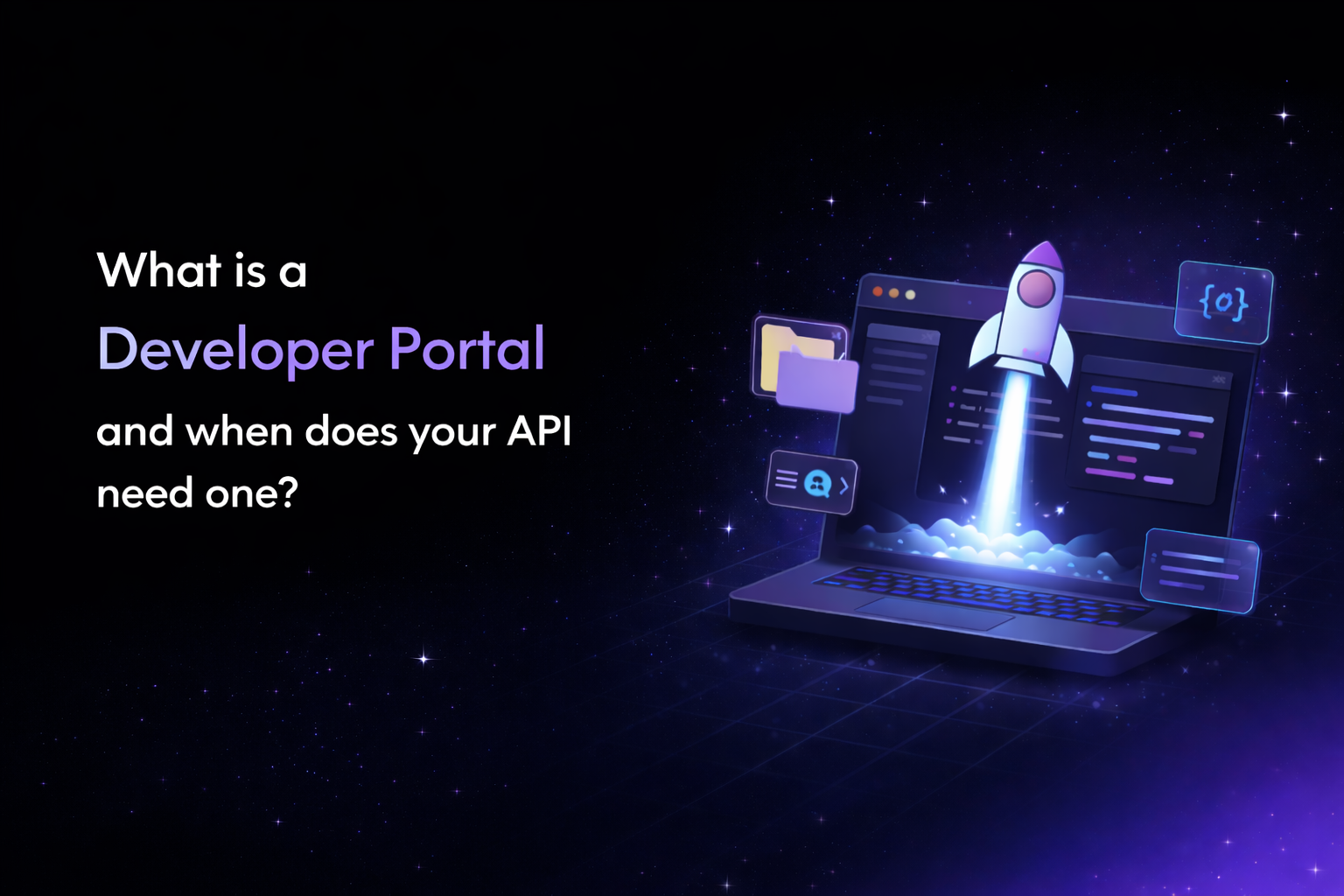
A developer portal is a centralized, branded hub where developers discover, evaluate, and begin integrating with your APIs, SDKs, and developer tools - all from a single entry point. Unlike standalone API documentation, which explains how to use a specific endpoint, a developer portal helps developers understand which APIs to use, how they relate to each other, and where to start.
If your API platform serves more than one API - or more than one type of developer - a developer portal is likely the single most impactful investment you can make in developer experience (DX) and self-service onboarding.
In this guide, you'll learn:
- What a developer portal is and what it typically includes
- How it differs from API documentation
- When your platform actually needs one
- What to consider when you're ready to build one
What Is a Developer Portal?
A developer portal is the front door to your API ecosystem. It's where developers go to understand what your platform offers before they write a single line of code.
Think of it this way: if your API documentation is the instruction manual for a specific product, your developer portal is the showroom floor - it helps developers browse what's available, understand how different products relate, and decide which one fits their use case.
In practice, a developer portal helps developers answer questions like:
- What APIs does this platform offer?
- Which API solves my specific problem?
- Are there SDKs for my language?
- How do I get started with authentication?
- Where do I find guides for my use case?
Without a portal, developers are left piecing together answers from scattered documentation pages, support channels, and outdated wikis. The result is slower onboarding, higher support costs, and lower API adoption.
Developer Portal vs. API Documentation
This is one of the most common points of confusion, so it's worth being precise.
API documentation is the technical reference for a single API. It covers endpoints, parameters, authentication methods, request/response formats, and error codes. Developers typically access documentation after they've already decided to integrate with a specific API. The scope is narrow and the audience is someone who's already committed to building.
A developer portal sits one layer above documentation. It provides the context developers need before they reach the docs, helping them explore your API catalog, compare capabilities across APIs, and choose the right integration path. The scope is your entire platform, and the audience includes developers who are still evaluating.
A practical way to think about the difference: documentation answers "how do I use this API?" while a developer portal answers "which API should I use, and where do I start?" Documentation is what developers read after they've made a decision. A portal is what helps them make that decision in the first place.
If your platform only exposes a single API, good documentation may be sufficient. But the moment you add a second API, versioned docs, SDKs, or guides for different audiences - you're operating without a map unless you have a portal.
What Does a Developer Portal Include?
The specific structure varies by platform, but most effective developer portals share a common set of components. Here's what each one does and why it matters.
API Catalog
This is the core of any developer portal. An API catalog provides a structured overview of every API your platform offers - including descriptions, version status, use cases, and direct links to documentation.
Without a catalog, developers have no way to understand the full scope of your platform. They may integrate with one API and never discover another that's more relevant to their needs. A well-organized catalog turns your API ecosystem from a collection of disconnected endpoints into a navigable product.
Branded Landing Page
Your portal's landing page is the first thing developers see. It should clearly communicate what your platform does, who it's for, and how to get started. The best landing pages guide different types of developers, beginners, enterprise evaluators, partner integrators, toward the resources most relevant to them.
This isn't just a design concern. Developer portals that segment their landing experience by audience type consistently see higher engagement and faster time-to-first-call.
SDK and Client Library Listings
SDKs reduce the gap between discovery and implementation. Listing your available SDKs by language - with installation instructions, version info, and links to source code - helps developers start building immediately rather than writing boilerplate HTTP code from scratch.
Guides and Tutorials
Reference documentation tells developers what an API can do. Guides and tutorials show them how to accomplish specific tasks - like "how to authenticate and make your first API call" or "how to set up webhooks for real-time notifications."
Step-by-step walkthroughs for common integration scenarios are one of the highest-impact content types in any developer portal. They bridge the gap between reading docs and shipping code.
Search Functionality
As your API catalog grows, navigation alone becomes insufficient. Developers strongly prefer search over browsing - especially when they already know what they're looking for. A developer portal without search becomes increasingly unusable as your platform scales.
Audience Segmentation
Not all developers need the same portal experience. Public developers exploring your API for the first time have different needs than enterprise partners evaluating your platform for a large-scale integration, or internal teams building on your APIs.
Effective developer portals provide tailored views, entry points, or content paths based on who the developer is and what they're trying to accomplish.
Why Developer Portals Matter for API Adoption
The biggest drop-off in any API program happens between discovery and successful integration. A developer might find your API through search, read a blog post about it, or hear about it from a colleague, but if they can't quickly understand what's available and how to get started, they leave.
Developer portals directly address this by making APIs easier to discover, evaluate, and integrate with. When developers can find the right API without searching across multiple pages, access relevant guides without filing a support ticket, and download working SDKs without hunting through GitHub repos, they're significantly more likely to complete integration independently.
This matters for business outcomes, not just developer experience. Faster self-service onboarding means lower support costs, shorter sales cycles for API-as-a-product companies, and higher adoption rates across your platform.
When Do You Need a Developer Portal?
Not every API platform needs a developer portal on day one. But there are clear signals that indicate when the lack of one starts costing you.
You likely need a developer portal if:
- You offer more than one API. Multiple APIs without a catalog forces developers to discover your offerings through tribal knowledge or support channels.
- Your documentation lives in multiple places. Scattered docs across different domains, repositories, or tools create a fragmented developer experience.
- You serve different types of developers. Public developers, enterprise partners, and internal teams all need different entry points and content.
- Enterprise customers evaluate your API before buying. Decision-makers and architects need a high-level view of your platform's capabilities — not just endpoint references.
- Developers frequently ask "where do I start?" This is one of the clearest signs that your discoverability problem needs a structural solution, not more documentation.
- Your platform continues to grow. New APIs, SDK versions, and use cases compound the organizational challenge over time.
You can probably delay if:
- You maintain a single API with a small, well-defined audience
- Onboarding happens primarily through direct support or sales engineering
- Your documentation fits comfortably in a single site
However, for most API-first companies, the tipping point comes sooner than expected — usually as soon as you ship a second API or begin serving developers outside your organization.
What to Consider When You're Ready to Build
Once your API ecosystem reaches the point where a developer portal is necessary, the key decision is how to implement one. Some teams build custom portals from scratch, while others use purpose-built platforms that handle the infrastructure so you can focus on content and developer experience.
We've written a detailed guide on how to create a developer portal — including the tradeoffs between custom builds and platform-based approaches — which you can find here
If you're looking for a faster starting point, Theneo offers developer portal creation with pre-built catalog templates that give API teams a structured foundation instead of a blank page. It’s designed for teams that want a branded, organized portal without the engineering overhead of building one internally, while also giving you the flexibility to build whatever you have in mind completely from scratch.
Frequently Asked Questions
What is a developer portal used for?
A developer portal gives developers one place to discover APIs, understand what they do, find SDKs and guides, and start integrating. It brings together resources that would otherwise be scattered across documentation sites, repositories, and support channels.
What is the difference between a developer portal and API documentation?
API documentation explains how to use a specific API, including endpoints, parameters, authentication, and responses. A developer portal helps developers discover which APIs are available, choose the right one for their use case, and navigate to the documentation, SDKs, and guides they need.
When does a company need a developer portal?
A developer portal becomes valuable when you manage multiple APIs, SDKs, versions, or developer audiences. It is especially useful when documentation is spread across different locations, developers struggle to find the right resources, or enterprise customers need to evaluate your API platform before integrating.
What should a good developer portal include?
A good developer portal should include an API catalog, API documentation, SDKs, getting started guides, tutorials, search, changelogs, and clear navigation. More advanced portals can also include interactive API testing, AI-powered search or chat, analytics, authentication, and content tailored to different developer audiences.
How do you organize multiple APIs in a developer portal?
The best approach is to create an API catalog that groups APIs by product, use case, or developer audience. Each API should have a clear description, version and status information, links to its documentation, and related SDKs or guides so developers can quickly understand which API fits their needs.