Looking for a Document360 Alternative? Why API-First Teams Choose Theneo
Compare Theneo and Document360 for API formats, GitHub sync, testing, AI agents, and migration.

Quick answer: For customer support knowledge bases and SOPs, Document360 is a strong option. For API-first teams, Theneo is a compelling Document360 alternative with REST, GraphQL, SOAP/WSDL and AsyncAPI support, GitHub-connected workflows, interactive testing, and OpenAPI-to-MCP generation.
The real question isn't which platform can publish documentation. It's which one fits the way your team builds and maintains it.
Why teams look for a Document360 alternative
Document360 offers knowledge bases, AI assistance, governance, and interactive OpenAPI documentation. API-led teams may need more specialized workflows: documenting different API types, keeping docs aligned with releases, and letting developers and AI agents use APIs directly.
- Can one platform document REST, GraphQL, SOAP, and event-driven APIs?
- Can developers use GitHub, CLI, and previews alongside visual editing?
- Can people test API requests and agents invoke selected operations?
Those priorities are where Theneo deserves closer evaluation.
Theneo vs Document360: key differences
- API formats: Theneo: REST, GraphQL, SOAP/WSDL, AsyncAPI. Document360: OpenAPI and Postman.
- Developer workflow: Theneo: GitHub sync, CLI, and previews. Document360: API synchronization CLI.
- API testing: Theneo: API Explorer. Document360: Try It! console.
- AI and MCP: Both support documentation MCP. Theneo also generates MCP tools from OpenAPI.
- Change tracking: Theneo: automated API changelog. Document360: article revision history.
- Best fit: Theneo: API docs and developer portals. Document360: knowledge bases and SOPs.
Based on publicly documented features as of November 2026.
1. Document more API types, not just a conventional REST reference
A REST-only documentation workflow may be enough today. But many teams also maintain GraphQL services, legacy SOAP integrations, webhooks, or event-driven APIs. Each additional format introduces another set of schemas, examples, and onboarding instructions that developers need to find.
Theneo's supported-format documentation explicitly covers REST/OpenAPI, Swagger, Postman, Insomnia, GraphQL, SOAP/WSDL, and AsyncAPI. You can start from API definitions rather than recreating every endpoint manually, then add the human context developers need: tutorials, examples, and guides.
Document360 also supports API documentation. Its API documentation guide documents OpenAPI and Postman workflows, and its newer interactive reference is meaningful progress for developers. The reviewed sources did not establish equivalent coverage for every non-REST format above, so this is a reason to test Theneo, not proof of a missing Document360 feature.
Best fit: Teams maintaining more than one API style, or consolidating API references and explanatory guides into a consistent developer experience.
2. Keep documentation connected to your development workflow
Documentation gets stale when releases ship but docs are updated separately. Theneo's GitHub Sync connects documentation to a repository, branch, and folder. Changes committed to the linked GitHub location can be imported automatically; sending Theneo changes back to GitHub is explicit.
The Theneo CLI supports documentation automation, while theneo audit checks a project locally or in CI. Teams can also generate preview links before publishing, subject to workspace availability.
- Update documentation alongside your API change.
- Run an audit and review the preview.
- Publish and synchronize the approved version.
Important: GitHub Sync is not conflict-free merging. A sync may overwrite edits on the other side, so agree on a source of truth.
Document360 also has a CLI and CI/CD synchronization for API references. Compare the complete editing and review workflow, not just whether a CLI exists.
3. Let developers explore and test APIs, not just read about them
Both products support interactive API documentation. Theneo's API Explorer provides a dedicated testing surface where developers can edit requests, choose configured environments, send calls, and inspect responses. Authentication settings and pre-request scripts are documented.
Document360 offers Try It! within its interactive API reference. To evaluate the difference, test both with your own authentication, parameters, environments, and error responses. The most useful outcome is a developer making a successful first request, not a feature checklist.
4. Give AI agents more than an answer: make API operations usable
Many documentation products now offer AI writing, AI search, or MCP connectivity. MCP alone is not a differentiator: both Theneo and Document360 document ways for authorized AI assistants to work with documentation.
Theneo also documents another use case: generating an MCP server from an OpenAPI specification. Teams can select which operations to expose, configure transport and authentication, and create agent-callable tools that invoke those API operations. Credentials are resolved from environment variables in the running environment rather than embedded in the generated server. Availability may require workspace or project enablement.
That difference matters:
- Documentation MCP: An AI assistant searches, reads, updates, or helps publish documentation.
- API-operation MCP: An AI assistant discovers and invokes selected operations of the API described by that documentation.
If your goal is to help developers use your API through AI tools, not merely find an article about it, Theneo's OpenAPI-to-MCP workflow deserves a close look.
For AI-readable documentation, Theneo also publishes llms.txt, llms-full.txt, and per-page Markdown for published projects. These make structured content available to AI-enabled tools; they are not a guarantee of search rankings or AI citations.
5. Make API changes easier to review and explain
API consumers need to understand changes before an integration breaks. Theneo's automated API changelog identifies changes on publish, flags breaking changes, and can notify subscribers. Paired with previews and versioning, this supports release-aligned documentation.
Document360 provides article revisions, workspaces, and publishing workflows; an equivalent automated API-specific changelog was not established in the reviewed research. That's a difference to validate, not proof the capability is absent.
Where Document360 may still be the better fit
Theneo won't be the best choice for every documentation use case. If the main priority is a governed customer-support or internal knowledge base, Document360 has strong, explicitly documented functionality that matters to those buyers:
- Dedicated knowledge-base workflows for support, SOPs, internal documentation, and ticket deflection.
- An AI chatbot that can draw on websites, files, FAQs, and connected support tickets, not only documentation articles.
- Document360 Engage for purpose-built interactive guides and videos.
- Enterprise content governance, including permissions, approvals, SSO, and a documented private-hosting option.
- AI writing inputs that include transcripts, audio, and video.
Theneo also provides branded documentation sites, permissions, collaboration, AI search, and enterprise controls. But the strongest reason to choose it over Document360 is API and developer-workflow fit, not the claim that it does everything better.
How to migrate from Document360 to Theneo
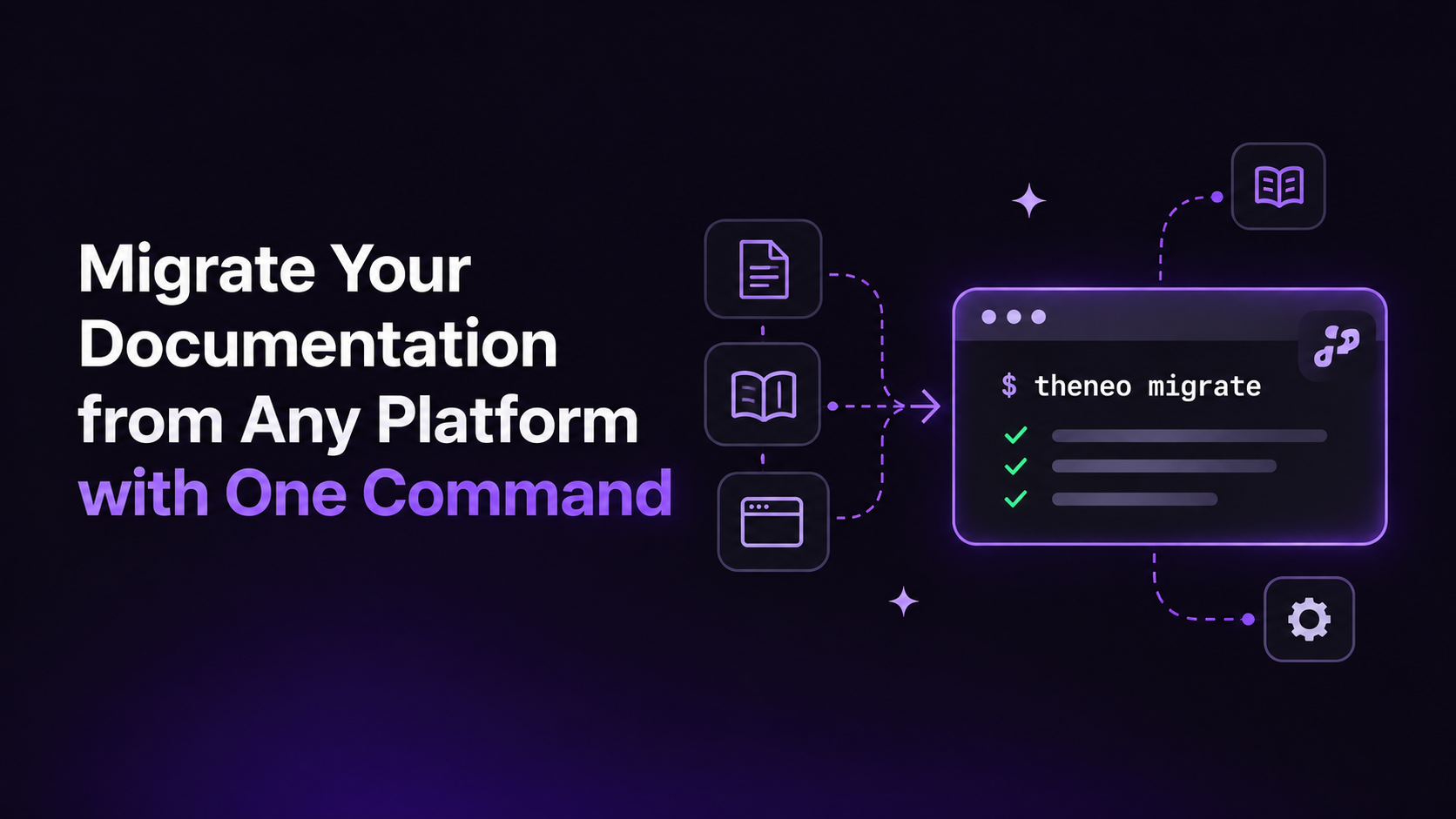
Moving a large knowledge base or developer portal requires more than importing a ZIP. Theneo provides a Document360 migration path and an AI-agent-assisted theneo migrate workflow to help convert and review content.
A sensible migration process is:
- Export your Document360 project, including the workspaces, categories, and media you need.
- Convert content as required. Markdown articles can be prepared for import; WYSIWYG HTML and multilingual JSON exports may need conversion to Markdown.
- Import API specifications separately where needed and rebuild the site's navigation structure.
- Validate before publishing. Run
theneo audit, inspect a preview, and check examples, images, links, and redirects. - Recreate platform-specific settings. Verify access permissions, reader groups, integrations, analytics, and custom components rather than assuming they transfer automatically.
What won't automatically carry over? The documented migration path says permissions, reader groups, comments, analytics, and certain platform-specific widgets or integrations must be rebuilt or reviewed. Relative media paths also need attention. A staged migration is more credible than promising a perfect one-click move.
Which platform should you choose?
Choose Theneo to evaluate when:
- You document REST, GraphQL, SOAP, or event-driven APIs.
- GitHub, CLI, previews, API testing, and change tracking are central.
- You want to generate AI-callable API tools from OpenAPI.
Choose Document360 to evaluate when:
- Your priority is internal knowledge, SOPs, or customer self-service.
- You need chatbot sources such as support tickets and external files.
- Specialized interactive guides and enterprise knowledge governance matter most.
Frequently asked questions
What is a good Document360 alternative for API documentation?
Theneo is worth evaluating for multi-format API documentation, GitHub workflows, interactive testing, and AI-agent tooling. Document360 also supports API documentation and broader knowledge management.
Does Document360 support API documentation?
Yes. It documents OpenAPI and Postman import, an interactive API reference, a Try It! console, and CI/CD synchronization.
Can Theneo connect documentation to GitHub?
Yes. Its GitHub App sync links a configured repository, branch, and folder. Changes from GitHub can import automatically; exporting from Theneo is explicit. Overlapping edits may be overwritten.
Do Theneo and Document360 both support MCP?
Yes. Both offer documentation MCP workflows. Theneo also documents converting OpenAPI operations into an MCP server that AI clients can call.
Can I migrate from Document360 to Theneo?
Yes, with preparation. Export and convert content, import API specifications, and audit results. Recheck permissions, comments, analytics, media paths, and integrations separately.
Ready to see whether Theneo fits your API workflow?
The most useful evaluation isn't a list of marketing claims. It's your own API specification, your team's review process, and a real developer trying to make a first request.
Start with Theneo's quickstart to import an API definition, build your documentation, and explore what's possible. If you're moving an existing site, use the migration guide to scope the work before publishing.
Feature comparison reviewed November 21, 2026. Based on Theneo's published documentation and a previously compiled, source-linked Document360 research dossier. Product capabilities and plan availability may change.
Frequently Asked Questions
What is a good Document360 alternative for API documentation?
Theneo is a strong Document360 alternative for API-first teams, with REST, GraphQL, SOAP/WSDL and AsyncAPI support, an interactive API Explorer, GitHub workflows, and AI-agent tooling.
Does Document360 support API documentation?
Yes. Document360 supports OpenAPI and Postman imports, interactive API references, a Try It! console, and API synchronization. It is more than a traditional help-center platform.
Can Theneo connect documentation to GitHub?
Yes. Theneo supports GitHub App synchronization for configured branches and folders. GitHub changes can be imported automatically; pushing Theneo changes is explicit, and overlapping edits may be overwritten.
Do Theneo and Document360 both support MCP?
Yes. Both offer MCP connectivity for documentation workflows. Theneo also documents generating an MCP server from OpenAPI specifications so agents can call selected API operations.
Can I migrate from Document360 to Theneo?
Yes, with preparation. Theneo documents export, conversion, import, and auditing workflows. Permissions, reader groups, analytics, comments, media paths, and special integrations need separate review.