Migrate Your Documentation from Any Platform with One Command
Move product docs, guides, knowledge bases, and API docs from any accessible source to Theneo with one AI-powered CLI command.
Moving your documentation to a new platform shouldn't mean copying hundreds of pages, rebuilding navigation, or fixing links one by one.
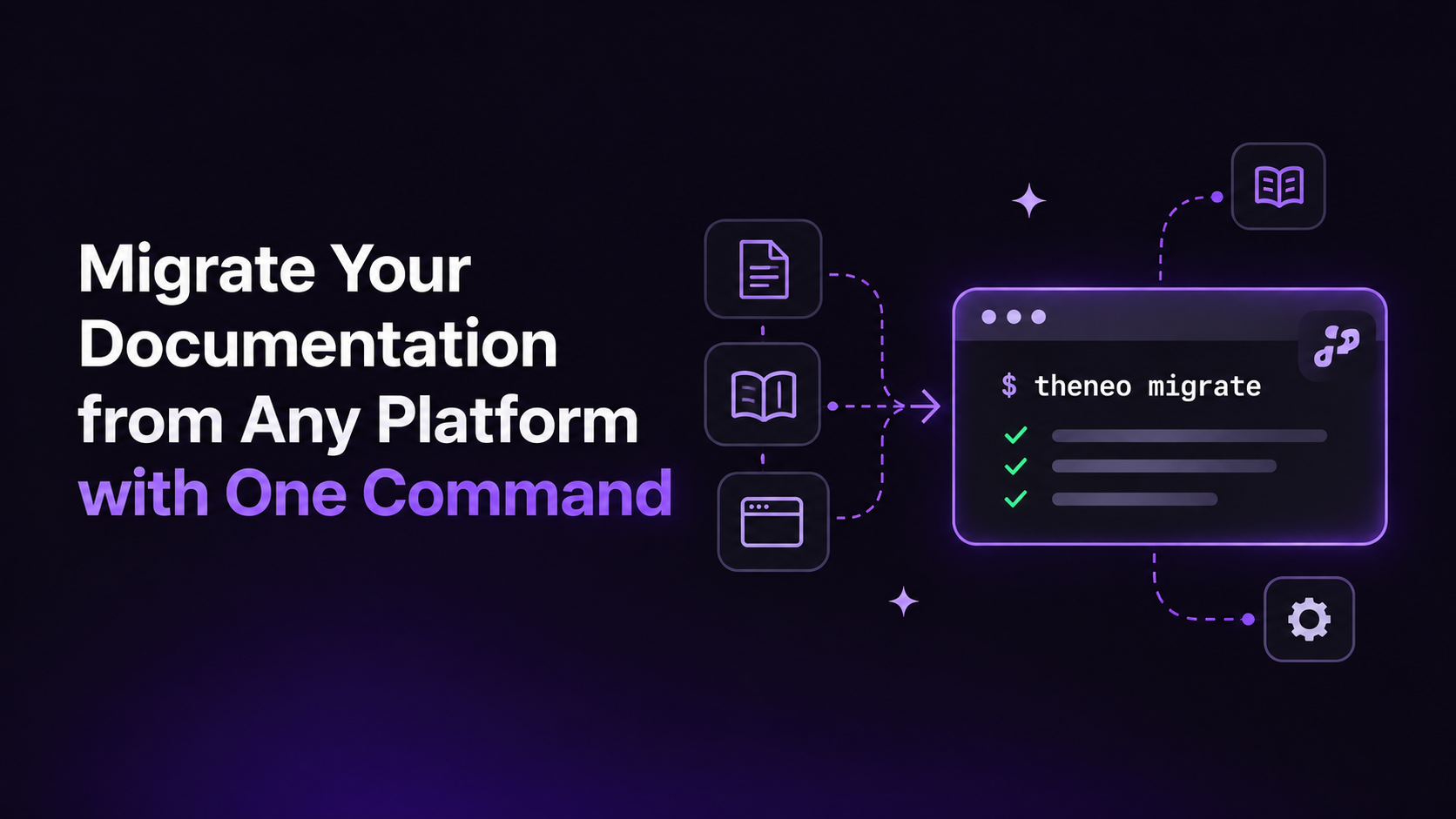
Whether you're switching documentation platforms, migrating a help center, or moving product guides stored on your computer, you can now migrate your documentation to Theneo with one command.
Introducing theneo migrate: an AI-powered way to move existing documentation into your Theneo workspace. No need to specify where you're migrating from or manually recreate every page.
How to migrate documentation to Theneo with one CLI command
Open your terminal and run:
That's it. Your AI agent helps move your existing content into your Theneo workspace, taking care of content transfer, page organization, and other repetitive work.
You don't need to select a source platform, configure platform-specific flags, or copy and paste your documentation manually.
Switch from any documentation platform to Theneo
Looking for a Mintlify alternative? Switching from GitBook, ReadMe, Document360, or Docusaurus? Moving product knowledge out of Notion or Confluence?
Your AI agent can help migrate content from those tools and other documentation sources. You don't need to tell Theneo which platform you're leaving. The important thing is that your agent can access the content you're moving.
Migrate product documentation, user guides, knowledge bases, and API docs
Documentation migration isn't just for API references. Theneo can help you move different types of content, including:
- Product documentation: Feature explanations, onboarding guides, setup instructions, and product manuals.
- User guides and tutorials: Walkthroughs, how-to articles, and step-by-step instructions.
- Help centers and knowledge bases: Support articles, FAQs, troubleshooting guides, and self-service resources.
- Developer and API documentation: Technical references, integration guides, SDK content, and API specifications.
- Internal documentation: Team procedures, technical knowledge, and reference materials.
Whether you're moving a single set of product guides or consolidating several documentation sources, your agent can help organize them in Theneo.
Move docs from a local folder, Git repository, export, or live website
You don't need an existing documentation website or Git repository to get started. Your AI agent can work with content from:
- Local folders: Markdown files and other documentation files on your computer.
- Git repositories: Documentation maintained alongside your code.
- Platform exports: Exported pages and documentation files from another tool.
- Live websites: Publicly accessible documentation pages.
As long as your AI agent can access the source material, it can help bring that content into your Theneo workspace. Private pages or content that isn't included in an export may require additional access or manual review.
Preserve documentation structure and important links during migration
A documentation migration is more than copying text. Navigation, page structure, internal references, and existing links matter too.
With theneo migrate, your AI agent can help transfer content, organize pages, preserve important links, and flag anything that needs your attention. You stay in control while your agent handles the repetitive work.
Review the migrated pages before publishing. If public URLs are changing, configure redirects from the old paths to the new ones to help existing visitors and search engines find your content.
Start migrating your documentation to Theneo
Whether you're replacing an existing documentation platform or turning a local folder into a published documentation site, getting started takes one command:
Any documentation. Any accessible source. One command.
Follow the step-by-step guide to migrate your documentation to Theneo.
Frequently Asked Questions
Can I migrate documentation without losing SEO traffic?
Yes, you may maintain same URLs, page titles, meta descriptions and sitemap, so your rankings and backlinks carry over.
What is the easiest way to move an existing documentation website to a new platform?
One of the simplest approaches is to use an AI-powered migration tool. With theneo migrate, your AI agent can help transfer pages from an existing website, repository, or export into Theneo without requiring you to manually recreate every document.
Can I create a documentation from Markdown files or a local folder?
Yes. If you have product guides, tutorials, or technical documentation saved locally, you can use theneo migrate to move that content into a Theneo workspace. You don't need an existing hosted documentation site to get started.
How can I verify that a documentation migration was successful?
Compare the source and destination page inventories. Check navigation, links, images, code samples, search, mobile layouts, and access settings. Review flagged items before publishing or retiring the old site.
Should I migrate all my documentation at once or in stages?
For a small site, one migration may be practical. For larger or business-critical docs, start with a representative section, validate the results, then move the rest in stages with a clear cutover and redirect plan.