How to Create a Developer Portal: A step-by-step guide for API teams of any size
Learn how to create a developer portal for your API. This guide covers planning, content structure, build approaches (custom, open-source, platform-based), and a step-by-step walkthrough to go from zero to a published, branded portal.
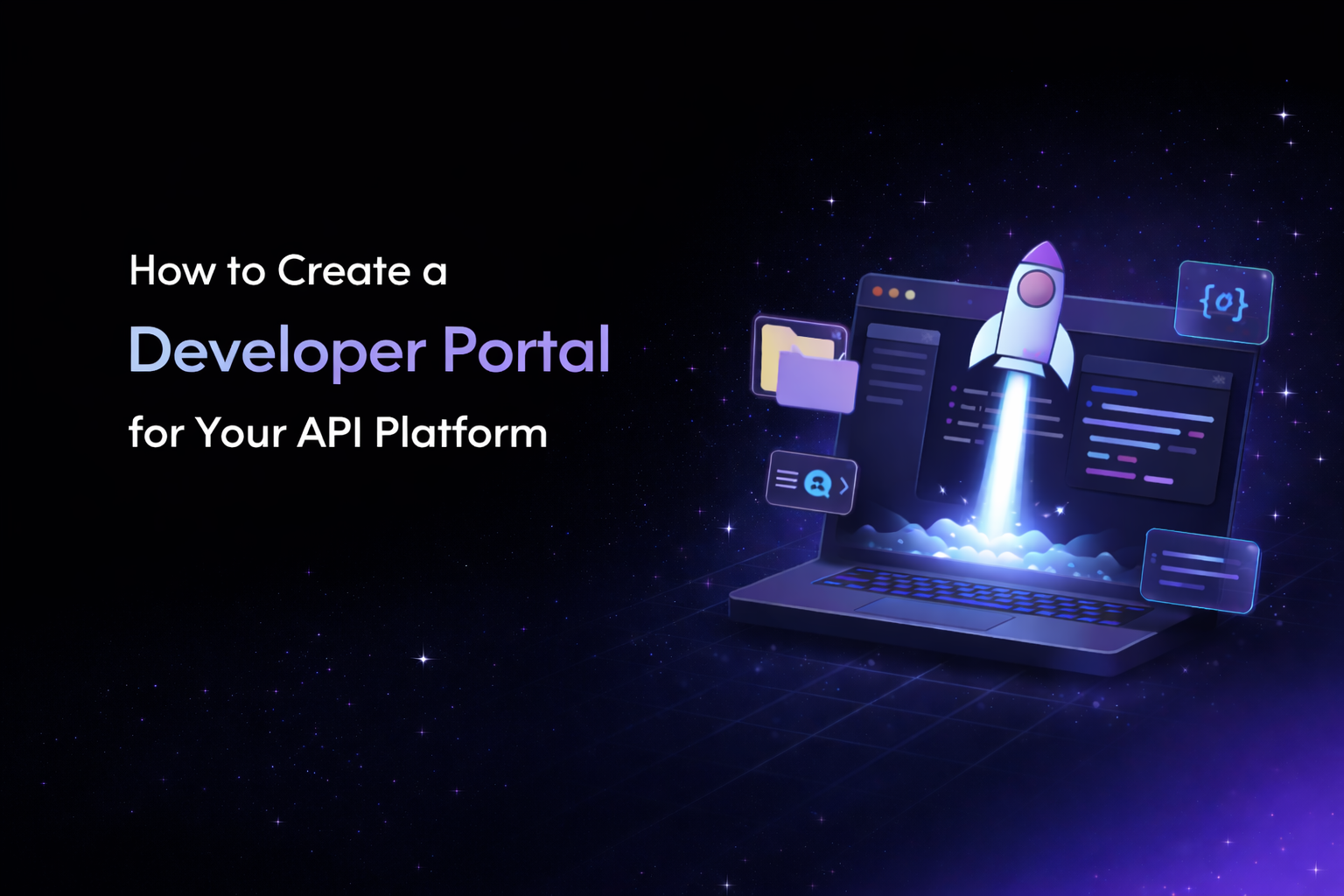
Creating a developer portal means building a single, organized entry point where developers can discover your APIs, access documentation, find SDKs, and begin integrating without needing to contact your team for guidance.
If you've reached the point where your API platform has outgrown standalone documentation (multiple APIs, different developer audiences, scattered resources) a developer portal is the structural solution. (If you're still evaluating whether you need one, we covered that in detail in our guide what a developer portal is and when your API needs one.)
This guide walks through the full process: what to plan before you build, what your portal needs to include, the tradeoffs between building custom and using a platform, and how to get from zero to a published portal as efficiently as possible.
Before You Build: Define Your Portal's Purpose
The most common mistake teams make is jumping straight into design or tooling before answering a few foundational questions. Getting these right upfront saves significant rework later.
Who are your developers?
Developer portals serve different audiences, and each audience has different needs. Public developers discovering your API for the first time need a clear overview of what's available and how to get started. Partner developers integrating as part of a business relationship need precise technical specs and possibly access-controlled content. Internal teams building on your APIs need fast navigation to the right reference docs without marketing language in the way.
Your portal's structure, tone, and content organization should reflect who's actually using it. A portal designed exclusively for external developers will frustrate internal teams, and vice versa.
What resources need to live in the portal?
Take an inventory of everything your developers currently access across your ecosystem. This typically includes API reference documentation, getting started guides, SDK and client library listings, authentication and authorization guides, changelogs and versioning information, and code samples or tutorials.
Many teams discover during this step that their resources are scattered across GitHub repos, Notion pages, Confluence wikis, and standalone doc sites. The portal's job is to unify access to all of these. Not necessarily to host every piece of content, but to provide a single navigable structure that routes developers to the right place.
How many APIs and versions are you managing?
This question determines the complexity of your portal's catalog and navigation. A platform with two APIs and no versioning has very different portal needs than one managing fifteen APIs across multiple versions with deprecation timelines. If your catalog is growing, plan for a navigation and taxonomy system that scales, not one that works only for today's count.
What Every Developer Portal Needs
Regardless of how you build it, an effective developer portal requires a consistent set of components. Missing any of these creates friction in the developer journey.
A Branded Landing Page
Your portal's landing page is the first impression. It should communicate what your platform offers, who it's for, and where to start within seconds. The best landing pages segment the experience by audience type: a first-time explorer, an enterprise architect evaluating your platform, and a returning developer looking for a specific API reference all need different entry points.
Avoid the trap of making your landing page a wall of text. Developers scan, they don't read marketing copy. Clear headings, a visible search bar, and direct links to your most important resources will outperform paragraphs of explanation.
An API Catalog
The catalog is the backbone of any multi-API developer portal. It's a structured index of every API your platform offers, with descriptions, version status, use case context, and links to the full documentation for each.
Without a catalog, developers have no way to understand the full scope of your platform. They'll integrate with the first API they find and may never discover one that's more relevant. A good catalog turns your API ecosystem from a collection of disconnected endpoints into a browsable, navigable product.
SDK and Client Library Listings
Listing your available SDKs by language with version information, installation instructions, and links to source code reduces the gap between discovery and implementation. Developers shouldn't need to hunt through your GitHub organization to find the right client library.
Guides, Tutorials, and Getting Started Content
API reference docs tell developers what's possible. Guides and tutorials show them how to accomplish specific tasks. The most critical piece of content in any developer portal is the "getting started" guide, the shortest path from sign-up to first successful API call. If this doesn't exist or is buried, onboarding stalls.
Beyond getting started, consider tutorials for common integration patterns: authentication setup, webhook configuration, error handling strategies, and pagination.
Search
Developers strongly prefer search over navigation, especially as your API catalog grows. A portal without search forces developers to browse through menus and hierarchies to find what they need, which is exactly the kind of friction that causes drop-off.
Changelog and Versioning Visibility
Developers who've already integrated need to know what's changed. A visible, structured changelog (ideally with the ability to filter by API) keeps existing users informed and reduces support tickets about breaking changes or deprecated endpoints.
Three Approaches to Building a Developer Portal
Once you've defined your portal's purpose and content requirements, the next decision is how to actually build it. There are three distinct paths, each with different tradeoffs in terms of control, speed, and ongoing maintenance.
Approach 1: Build Entirely from Scratch
Building a custom developer portal gives you full control over every aspect of the experience: design, navigation, functionality, and integration with your internal systems.
When this makes sense: You have a dedicated developer experience (DevEx) team, highly custom requirements that no existing platform supports, and the engineering capacity to not only build but maintain the portal as your API catalog evolves.
The reality for most teams: Custom portals take months to build, require ongoing engineering effort to maintain, and often fall behind as APIs ship faster than the portal team can update. The portal becomes a bottleneck rather than an accelerant. Many teams that start custom eventually migrate to a platform-based approach after experiencing the maintenance burden firsthand.
What you'll need to build yourself: a content management layer for documentation, a catalog browsing interface, search indexing, authentication and access control, branding and theming, and a deployment pipeline. Every one of these requires decisions, dependencies, and ongoing maintenance.
Approach 2: Assemble from Open-Source Components
An alternative to building from scratch is assembling your portal from open-source documentation tools, using frameworks like Docusaurus or Redoc for API references, then layering on your own catalog and landing pages.
When this makes sense: You have engineering resources to customize and maintain the setup, your portal needs are relatively straightforward, and you want more control than a SaaS platform provides without the full cost of a from-scratch build.
The limitation: Open-source tools handle API reference documentation well, but most don't provide developer portal features out of the box. You'll still need to build catalog pages, landing pages, search, and SDK listings yourself. The result is often a documentation site that lacks the discovery and navigation layer that makes a portal a portal.
Approach 3: Use a Purpose-Built Developer Portal Platform
Purpose-built platforms handle the infrastructure, templating, and core portal features so your team can focus on content and developer experience rather than building and maintaining the underlying system.
When this makes sense: You want to launch quickly, your team's engineering capacity is better spent on the API product itself, and you need portal features (catalogs, branding, SDK listings, search, multi-API management) without building them.
What to look for in a platform: full design freedom so you can build any landing page or layout your team envisions (not just pick from templates), support for organizing multiple APIs and SDKs in a single catalog, a visual editor for non-engineers to update content, the ability to import and export custom code for complete control over any section, and built-in features like AI-powered search, changelogs, and analytics.
Theneo, for example, is designed specifically for this use case. It lets teams publish fully branded developer portals with an API catalog, SDK listings, and documentation organized in a single hub. You can start from a blank canvas and design every page exactly as your team envisions it, or begin with a pre-built template and customize from there. The portal editor supports drag-and-drop page building, full custom code import/export for teams that want pixel-level control, a dashboard for managing multiple portal pages, and built-in features like an AI chatbot and interactive API explorer that you'd otherwise need to build or integrate separately.
The key distinction is that Theneo doesn't constrain you to pre-made layouts. If your design team has a specific vision for your developer portal, you can build it entirely from scratch within the platform, getting the creative freedom of a custom build with the infrastructure, hosting, and built-in features of a managed platform.
Step-by-Step: Creating Your Developer Portal
Regardless of which approach you choose, the process follows a consistent sequence. Here's a practical walkthrough.
Step 1: Map Your Content and Structure
Before touching any tool, write out the full list of resources your portal needs to surface. Group them by type: API references, SDKs, guides, tutorials, changelogs. Then organize them into a navigation hierarchy that reflects how developers will actually use the portal, typically by product area, use case, or audience type.
This content map becomes the blueprint for your portal's information architecture. Getting it right at this stage means avoiding painful restructuring later.
Step 2: Choose a Starting Point
If you're building custom, this is where you create your wireframes and design system. If you're using a platform like Theneo, you have two paths: start from a blank canvas and design your portal exactly as your team envisions it, or select a pre-built template as your foundation and customize from there.
Teams with dedicated designers often prefer starting from scratch within the platform, using the code import/export feature to build custom layouts with full creative control. Teams that want to move faster can start with a template and adapt it. Either way, the platform handles hosting, infrastructure, and built-in features so you can focus on design and content.
If you're going the template route, choosing the right one is its own decision. We've written a detailed guide on [how to choose the right developer portal template for your API platform] that covers what to evaluate, what categories of templates exist, and how to match a template to your use case.
Step 3: Configure Branding and Design
Your developer portal should feel like a natural extension of your product, not a third-party tool. At minimum, configure your logo and brand colors, typography that matches your product's design system, landing page layout and hero content, and navigation structure and page hierarchy.
With Theneo, you have full control over this process. The portal editor lets you build and customize layouts visually, add or remove sections, and adjust styling without writing code. But if your design team has specific requirements that go beyond what a visual editor offers, you can import your own HTML, CSS, and JavaScript to build any page or section exactly as designed. You can also export the portal code at any time, giving you the flexibility to work in your own development environment and push changes back. There's no ceiling on what you can create.
Step 4: Populate Your API Catalog
Add each API to your catalog with a clear description that explains what the API does, who it's for, current version and status (stable, beta, deprecated), a link to the full API reference documentation, and related SDKs or guides.
The catalog is the single most important page in your developer portal. Invest time in writing descriptions that help developers evaluate whether an API fits their use case, not just what it does technically, but what problem it solves.
Step 5: Add SDK Listings, Guides, and Supporting Content
Beyond the API catalog, populate your portal with SDK and client library listings by language, a getting started guide (the fastest path from sign-up to first API call), tutorials for common integration patterns, authentication and authorization guides, and any other resources from your content map in Step 1.
If you're using Theneo, the editor supports rich content including cards, card groups, accordion sections, code blocks, callouts, embedded media, and more, so your guides can be interactive rather than static text.
Step 6: Set Up Search, AI Chat, and Developer Tools
Search is non-negotiable for any portal with more than a handful of pages. If your platform supports it, also consider adding an AI-powered chatbot that can answer developer questions from your documentation, an interactive API explorer where developers can make test requests without writing code, and feedback mechanisms so developers can flag issues or gaps.
Theneo includes both an AI chatbot and an API explorer as built-in features, which means you don't need to integrate third-party tools or build these from scratch.
Step 7: Publish and Connect to Your Domain
Once your content is in place and branding is configured, publish the portal. If you're using a platform, this typically means connecting a custom domain (e.g., developers.yourcompany.com) and deploying. With Theneo, you can publish directly to a custom domain and manage access settings, whether that's making the portal public, restricting it to authenticated users, or creating separate views for different audiences.
Step 8: Plan for Ongoing Maintenance
A developer portal is not a one-time build. It needs to evolve alongside your API platform. Plan for how new APIs will be added to the catalog, who's responsible for keeping documentation up to date, how changelogs will be published when APIs are updated, and regular reviews of analytics to identify underperforming pages or common developer pain points.
Automation helps here. Theneo integrates with CI/CD pipelines (GitHub Actions, GitLab, Bitbucket) so that documentation updates can be triggered automatically when your API spec changes, reducing the gap between shipping API updates and updating the portal.
Common Mistakes to Avoid
- Treating your portal as a documentation dump. A developer portal is not a folder of docs. It's a guided experience. If developers land on your portal and have to figure out the navigation themselves, the portal isn't doing its job.
- Skipping the catalog. If developers can't see what APIs are available in a single view, they'll only discover what they stumble upon. The catalog is the difference between a documentation site and a developer portal.
- Building from scratch when you don't need to. Custom builds make sense for companies with dedicated DevEx teams and unique requirements. For most API teams, a platform that handles infrastructure while giving you branding and content control is the faster, more maintainable path.
- Launching and forgetting. Portals that don't get updated become portals that developers stop trusting. If your latest API isn't in the catalog, developers will assume the rest of the content is stale too.
- Designing for your team instead of your developers. Your portal's navigation should reflect how developers think about your platform, not how your internal teams are organized. Test your portal's information architecture with actual developers before committing to it.
Frequently Asked Questions
How long does it take to create a developer portal?
The timeline depends heavily on your approach. Building from scratch typically takes 3 to 6 months of engineering effort, plus ongoing maintenance. Using a purpose-built platform like Theneo, most teams can go from zero to a published, branded portal in 1 to 2 weeks, assuming your content (API docs, guides, SDK references) already exists.
Can I create a developer portal without engineering resources?
Yes, if you use a platform with a visual editor. Theneo's portal editor, for example, is designed for non-engineers to build pages, customize layouts, add content, and manage the full portal without writing code. For teams that do have engineering or design resources, Theneo also supports full custom code import and export, so you can build any page or layout from scratch and still benefit from the platform's hosting, AI features, and API catalog infrastructure.
How do I keep my developer portal up to date?
The most sustainable approach is to connect your portal to your API development workflow. Platforms like Theneo integrate with CI/CD pipelines so documentation updates can be triggered automatically when your API spec changes. For content that isn't auto-generated (like guides and tutorials) assign ownership and schedule regular reviews.
Should I start with a template or build a custom design?
It depends on your team and timeline. If you have a design team with a specific vision, platforms like Theneo give you full creative freedom to build your portal from scratch using custom code import/export, so you're not constrained by pre-made layouts. If you want to move faster, starting with a template and customizing it is an efficient path to a professional result. Both approaches work within the same platform, and you can always evolve from a template-based start to a fully custom design over time. (For help choosing the right template, see some of our templates .)
What's the difference between a developer portal and an API documentation site?
An API documentation site provides reference information for one or more APIs: endpoints, parameters, code samples. A developer portal adds a discovery and navigation layer on top, including an API catalog, SDK listings, guides, audience segmentation, and a branded landing page that helps developers explore your full platform. If you have a single API, a documentation site may be sufficient. If you have multiple APIs or serve different developer audiences, you need a portal. (We cover this distinction in depth in our guide to what a developer portal is.)
Can I use my own domain for the developer portal?
Yes. Most portal platforms, including Theneo, support custom domain configuration so your portal lives at a URL like developers.yourcompany.com rather than on the platform's subdomain. This is important for brand credibility and SEO.
Frequently Asked Questions
What is the best way to create a developer portal?
You can build a developer portal from scratch, assemble one from open-source tools, or use a purpose-built developer portal platform. For most API teams, a platform like Theneo is the fastest option because it provides hosting, API catalogs, search, branding, analytics, and developer tools without requiring you to build the infrastructure yourself.
What should a developer portal include?
A good developer portal should include API documentation, an API catalog, SDKs, getting-started guides, tutorials, search, changelogs, and clear navigation. Modern portals can also include AI-powered search or chat, interactive API testing, analytics, and authenticated content for different developer audiences.
Should I build a developer portal from scratch or use a platform?
Building from scratch gives you maximum control but can take months and requires ongoing engineering maintenance. A developer portal platform is usually better when you want to launch faster while still controlling branding and design. Theneo supports both visual page building and custom code, so teams can create fully custom portals without maintaining the underlying infrastructure.
Can I create a custom developer portal without a dedicated engineering team?
Yes. Platforms with visual editors let product, documentation, and DevRel teams create pages, organize APIs, and manage content without writing code. Theneo also supports custom HTML, CSS, and JavaScript for teams that want deeper design control.
How do I keep a developer portal synchronized with my APIs?
Connect your developer portal to the same workflow used to manage your API specifications. With CI/CD integrations, documentation can update automatically when an API spec changes. Theneo integrates with workflows such as GitHub Actions, GitLab, and Bitbucket to reduce the risk of documentation becoming outdated.