Automated MCP Contract Testing: How It Works and How Popular Tools Compare
How automated MCP contract testing catches schema drift before release. Compare Postman, Apidog, Speakeasy Gram, Stainless and Elva on CI gates and validation.
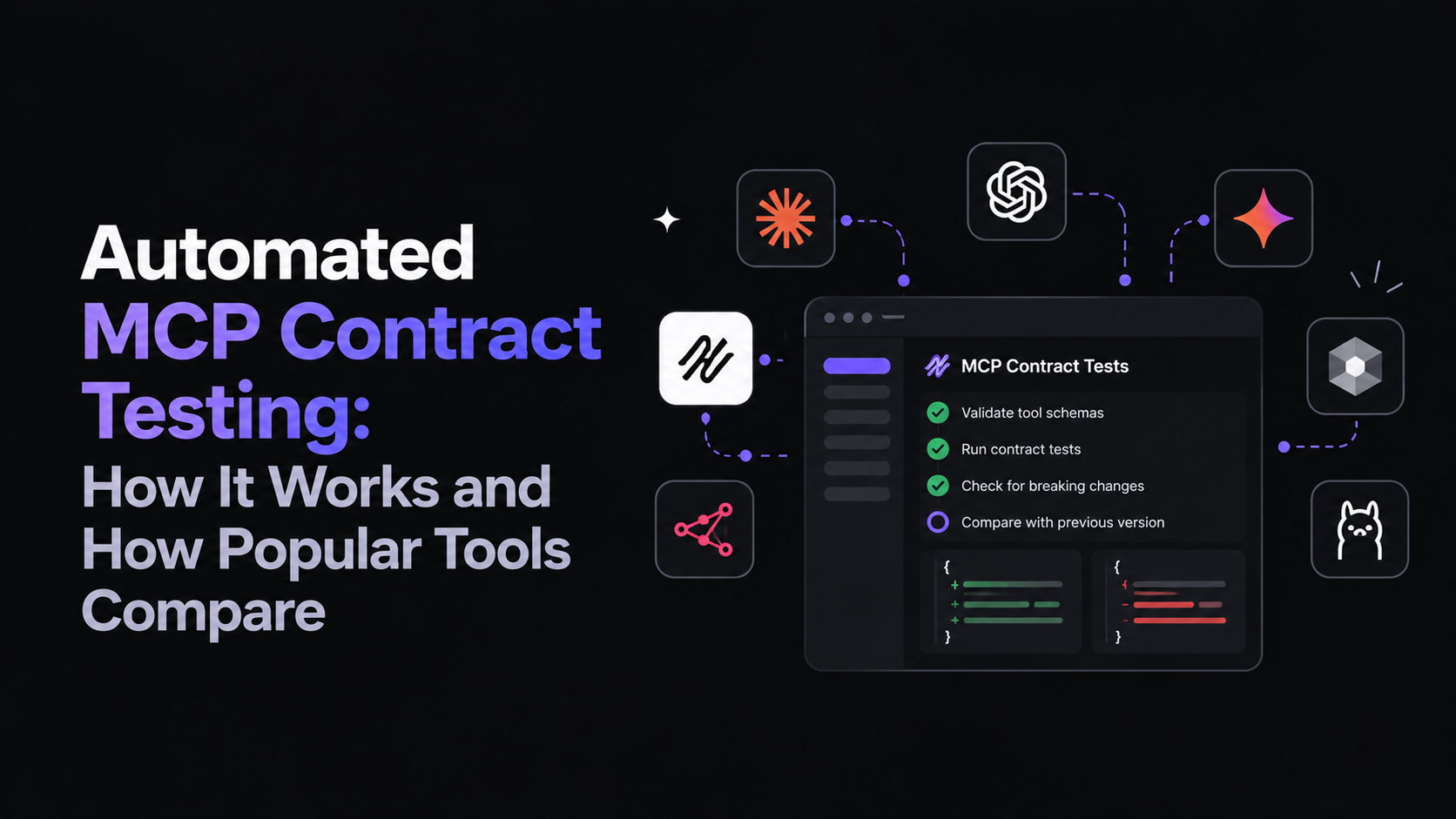
Automated MCP contract testing checks, on every change, that the tools an MCP server exposes and the responses they return still match what agents were promised, and stops the release when they don’t. Popular MCP tools such as Postman, Speakeasy Gram, Stainless and Apidog help you build, host or explore servers, but their docs don’t describe that kind of automatic check for MCP. This guide shows how the check works, how those tools compare, and what a closed loop looks like.
It started with an ordinary pull request. The API team added a region field to invoices and made it required. Their tests passed, because the API was fine.
On Thursday, the MCP server was regenerated from the new spec, and the create_invoice tool picked up a required argument. The server didn’t emit notifications/tools/list_changed, and many clients don’t refetch the tool list anyway. The agents already using the tool kept calling it without region, got validation errors, and retried. Nobody’s dashboard turned red. A support ticket three days later was the first signal.
Nothing in that story is exotic. The API changed, the tool contract changed with it, and no step between the two asked whether the agents on the other side could cope. That missing step is what automated contract testing is for.
4 ways MCP tool contracts break
An MCP tool contract is everything an agent relies on: the tool’s name and description, its inputSchema, its outputSchema if it declares one, annotations like readOnlyHint, and the behavior of the API behind it. It breaks in four places.
- Tool-surface drift. The tools/list response changes: a tool is renamed or removed, a parameter becomes required, an enum narrows, a description is rewritten. The invoice story is this kind.
- Response-shape drift. The tool list looks identical, but what comes back has changed. A field becomes nullable or a nested object is flattened. Or the API underneath starts returning 200 with an error body, and the server passes it through as a success. At the MCP layer, a real tool error should be a successful JSON-RPC result with isError: true, so a pass-through like that looks fine to every client. This drift is hard to see because outputSchema only arrived in the 2025-06-18 specification, it’s optional, and many servers don’t declare one. With no declared output shape, there’s nothing for a client to validate against.
- Protocol problems. The server stops following the MCP specification: a malformed capability response, a broken pagination cursor, or a transport bug. These usually affect every client at once.
- Agent behavior. Every schema matches, but a model now picks the wrong tool or chains tools in an order that no longer works. This sits closer to evaluation than contract testing, but it’s where users feel the damage.
We covered how stale specs mislead agents in Why API Specs Break AI Agents. The pattern is the same: the agent trusts a description that’s no longer true.
What automated MCP contract testing has to do: Baseline, Gate, Policy, Audit
“We test our MCP server” can mean anything from opening a playground once to a check on every merge. To catch the invoice change before an agent did, a setup needs four properties.
- Baseline. The reference contract comes from what the API actually does, not from a spec someone last edited in the spring. A stale baseline confirms the wrong thing.
- Gate. The diff runs on each commit or pull request, without anyone remembering to start it, and classifies what changed. Manual testing catches problems on the days someone tests.
- Policy. The result is a decision, not just a report: fail the build, warn the owner or hold the release. What’s acceptable depends on the consumer. A warning for an internal script may need to be a block for a partner’s agent.
- Audit. Once the server is live, you can see which agent called which tool, with which key, and what came back. Without it, the support ticket is still your first signal.
Baseline and Gate catch the problem. Policy stops it. Audit tells you who it would have hit.
The Gate’s classification depends on which side of the tool the change is on:
| Side | Breaking | Usually compatible |
|---|---|---|
| Inputs (inputSchema) | New required parameter; narrowed enum; removed parameter | New optional parameter |
| Outputs (outputSchema and responses) | Removed field; field becomes nullable; widened enum, for agents that branch on its values | New field |
Descriptions are a third case. A reworded description doesn’t change any schema, but agents read it to choose tools, so treat it as advisory: let it through, and notify the owner.
What an automated MCP contract check looks like in CI
Our step-by-step guide to MCP contract testing covers the full setup. In outline, the check sits between the API commit and the published server. A commit triggers a regenerated spec, the spec is diffed and each change classified, and a per-consumer policy decides whether the MCP server publishes or waits for approval. After publish, a gateway logs every call.
- Baseline: the reference is the contract you last approved. The comparison is against a spec rebuilt from the code in this commit, so neither side depends on someone remembering to update a file.
- Gate: each difference is classified using the rules in the table above.
- Policy: the outcome is a status on the pull request. Breaking changes for sensitive consumers stop the publish until a named person approves.
- Audit: after publish, each tool call is recorded with the agent and key that made it.
The simplest version covers only the Gate, for a server you already run. In CI, use the MCP Inspector’s CLI mode to list the tools on a staging server as JSON. Normalize that output by sorting tools by name and keys alphabetically, so ordering noise doesn’t count as a change. Diff the result against a baseline file committed to the repo, and fail the pull request on any difference. Pin an exact Inspector version, so the same commit always runs against the same tool. When a change is intended, regenerate the baseline and commit it with the pull request.
That’s a Gate without classification or Policy: every difference blocks, including harmless ones, and it doesn’t see response-shape drift.
If you’d rather not maintain the snapshot, the classification and the per-consumer rules yourself, Elva runs this loop from your API contracts.
Do Postman, Gram, Stainless, Apidog or Elva support MCP contract testing?
Here’s how four well-known commercial MCP tools, and Elva, map onto Baseline, Gate, Policy and Audit, as of October 2026. “Not documented” means we didn’t find it in the vendor’s MCP docs; it may exist elsewhere or arrive later.
| Tool | Baseline diff | CI gate | Response validation | Per-call logging |
|---|---|---|---|---|
| Postman | Not documented | Not documented | Manual, by reading responses | Not documented |
| Apidog | Not documented | Not documented for MCP | Manual, by reading responses | Not documented |
| Speakeasy Gram | Not documented | Not documented | Model-driven, on demand (Playground, eval) | Yes, tool logs |
| Stainless | Not documented for MCP | Not documented for MCP | Not documented for MCP | Not documented |
| Elva | Yes, on every commit | Yes, policy per contract | Yes, schemas checked against live responses before publish | Yes, every call |
The tools fall into two groups. Postman and Apidog are interactive clients: they connect over STDIO or HTTP, list tools, prompts and resources, and let you call them (Postman, Apidog). Apidog describes its client as being for “debugging and testing MCP Servers”, and both products have assertion and CI features for HTTP APIs. For a team that already lives in one of them, it’s a quick way to see the region change by hand.
Speakeasy Gram and Stainless are generators, so they start from the API description, which suits a Baseline. Gram builds servers from OpenAPI documents or TypeScript functions and hosts them behind a gateway; Stainless generates a server as a subpackage of your TypeScript SDK. Gram’s Playground is “an in-dashboard agent harness for testing MCP servers before distributing them” (Gram Playground). Speakeasy’s standalone servers can include an eval command that sends a natural-language prompt to a model (eval command). For hosted servers, Gram’s Tool Logs record every tool call the platform observes. Stainless exposes a code execution tool and a docs search tool rather than one tool per endpoint, and labels MCP generation experimental (Stainless docs). With two tools, the tool list rarely changes, so the contract that matters is the SDK and the API underneath.
Elva also generates servers, but from versioned API contracts, and runs them behind its own gateway; the walkthrough below shows how.
Automated MCP contract testing with Elva: a walkthrough
Elva, built by the Theneo team, starts the check from the API contract, so the test, the server and the gateway come from the same source. It runs this loop for the MCP servers it generates from your contracts. Here’s the region change again.
Baseline. A contract is a versioned view of the API for one audience: internal, partner, public, or AI agent. When the commit lands, Elva regenerates the spec from code and diffs it against each contract that includes the invoice endpoint (Elva contracts).
Gate. The new required region field is classified as breaking. MCP tools are generated from the agent contract, and before every MCP publish, tool schemas are verified against live responses. Generated tests cover the happy path, boundary cases, auth negatives and malformed payloads. Chaos suites compare live responses against the contract on each run (Elva testing). That’s what catches response-shape drift, which a tools/list diff can’t see.
Policy. The internal contract is set to warn, so the internal team gets a notice. The agent contract is set to block, so the MCP publish waits. A GitHub PR comment lists the affected consumers, including the MCP client. The team makes region optional with a default and approves. The spec, docs, MCP server, SDKs and Postman collection regenerate from the approved contract.
Audit. Every tool call goes through a gateway that checks identity and tool scope, applies field redaction and rate limits, and records the agent, key, tool, arguments hash, latency and outcome (Elva MCP). If an agent still sends the old shape, the log shows which one.
What Elva doesn’t decide is whether the invoice total is right, or whether an agent should have created an invoice at all. Those questions sit outside any contract, and they’re the subject of the next section.
What MCP contract testing doesn’t catch
A passing contract check means the agreed shape is the shape delivered. It doesn’t mean the tool is right.
- Business logic. A tool can keep its arguments and its response shape while computing the wrong total, applying the wrong tax rule, or double-charging on retry.
- Semantic misuse by agents. An agent can call a valid tool with valid arguments for the wrong reason: refunding when it should have voided, or creating a record instead of updating one.
- Data-dependent bugs. Some failures appear only with particular records, such as a customer with no region on file. Contract tests use representative inputs, not every row in production.
- Description quality. A description can be accurate and still unclear enough that models choose the wrong tool.
- Timing and state. Race conditions, stale caches and ordering between tools only show up under real concurrency.
These need behavioral tests, agent task runs and production monitoring alongside contract checks.
First steps
If you have nothing today, add the snapshot diff above to CI this week. That alone would have caught the region change.
Next, decide which consumers get a block rather than a warning, and write it down. Agents used by partners or customers are the usual first candidates.
Then, if your tools are generated from an API that changes every week, move the Baseline upstream to the API commit and add Audit, so the next breaking change shows up in your pipeline, not in a support ticket. To see that loop end to end, Elva’s contracts page walks through it.
Frequently Asked Questions
What is MCP contract testing?
It checks whether an MCP server's tools, input and output schemas, and live responses still match what agents were promised. It should run on every change and block breaking releases.
Does Postman support MCP contract testing?
Not as documented as of October 2026. Postman's MCP requests support listing and calling tools manually, but its MCP docs do not describe baseline schema diffs or a CI gate.
Does Speakeasy Gram run contract tests on MCP servers?
Not as documented. Gram's Playground and Speakeasy's eval command allow on-demand model-based tests but the docs don't describe automatic baseline comparisons.
Does Stainless test its generated MCP servers?
Not as documented for MCP. Stainless's testing guidance focuses on SDK tests and labels MCP generation experimental.
Can MCP contract testing block a breaking change before agents see it?
Yes. A CI gate can block a pull request when tools change, and policy-controlled MCP publishing can wait for approval of breaking contract changes.