How to Configure llms-full.txt and Markdown Export for API Documentation in Theneo
Configure llms-full.txt and Markdown Export in Theneo, then validate coverage, freshness, structure, safety, and AI-readiness without overclaiming visibility.
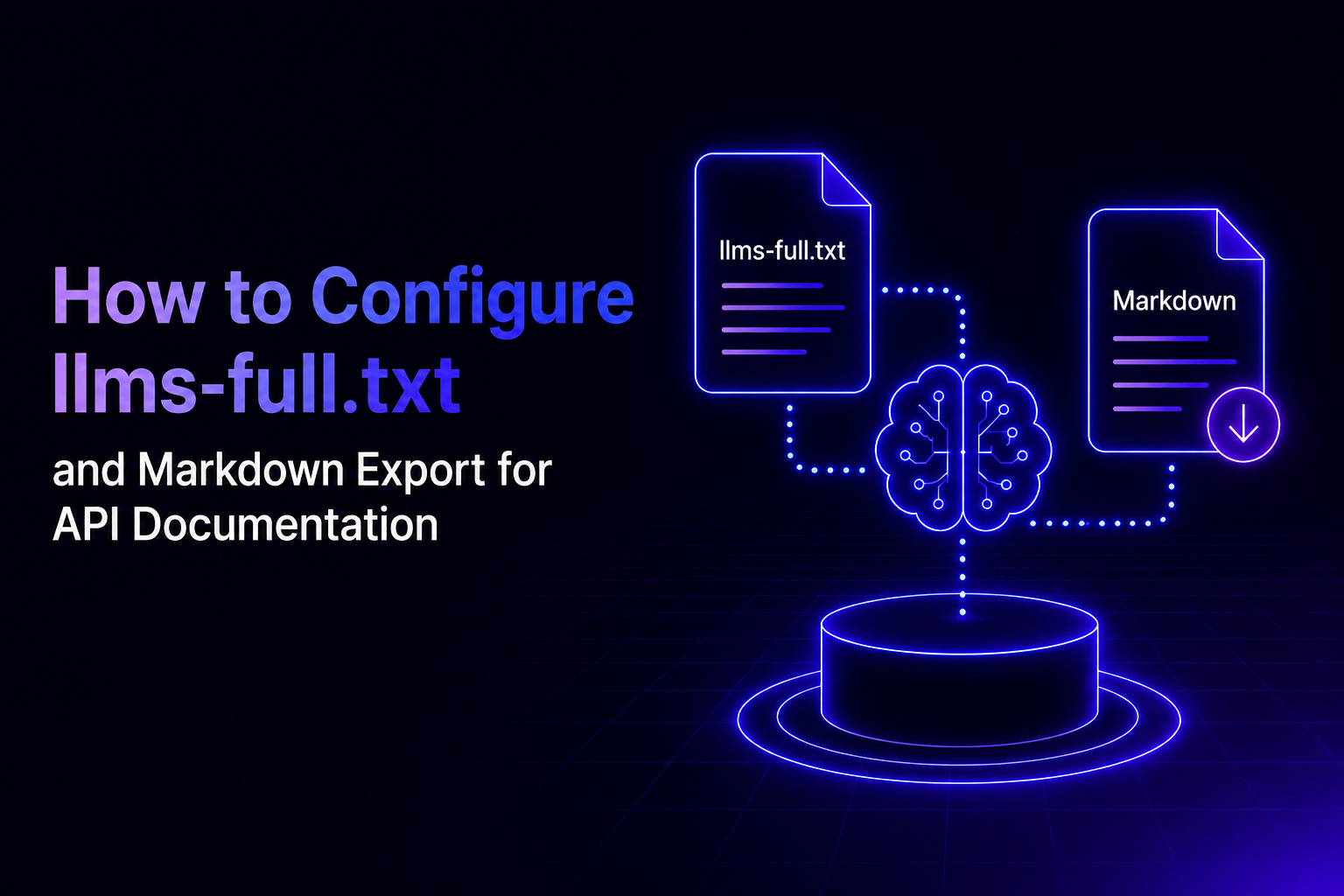
In Theneo, llms-full.txt gives AI systems a complete Markdown version of your public documentation, while Markdown Export lets a reader open or copy an individual page in a cleaner machine-readable format. The practical setup is to enable Theneo's AI export controls, publish documentation with clear structure, and verify that both the site-wide and page-level outputs contain the context an AI tool needs.
This tutorial focuses on configuration and quality checks. For the broader discovery strategy, read How llms.txt and MCP Are Changing API Discovery for Product Teams.
What is the difference between llms.txt, llms-full.txt, and Markdown Export?
llms.txt is a compact index that helps a machine find the important parts of a documentation site. llms-full.txt is the expanded version: it brings the available documentation together in one Markdown response so an AI system can retrieve more context without navigating page by page.
Markdown Export works at the page level. It gives a reader or AI assistant a clean Markdown version of the page currently being viewed. That is useful when someone wants to paste a specific guide into ChatGPT, Claude, Gemini, Perplexity, Cursor, Codex, or Copilot without carrying over the full visual interface.
These outputs complement normal HTML documentation. They do not replace navigation, examples, interactive API testing, or task-based guides for human developers.
How do you enable AI and Markdown export in Theneo?
Open the project that owns the documentation, then go to Project Settings and open Features. Enable AI Helper & Export, then choose which export actions should appear in the AI Export menu on published documentation pages.
Theneo's AI Markdown Export guide is the source of truth for the current interface and availability. The feature is intended for public documentation, because an external AI tool cannot retrieve private content without an authorized access path.
How do you configure llms-full.txt in Theneo?
Theneo generates llms.txt and llms-full.txt from the public documentation in your project. The important configuration work therefore happens in the documentation itself: publish the right pages, use explicit titles and headings, remove conflicting versions, and make prerequisites visible.
The Theneo llms.txt guide documents the product behavior. If the generated output does not match the published project, check publication status and content visibility before changing the source documentation.
What should the source documentation contain?
Machine-readable delivery cannot repair incomplete source content. A clean Markdown file still produces weak results when the underlying documentation omits intent, authentication context, realistic examples, or error recovery.
State the purpose before the details
Start each important page with a direct definition or task outcome. An AI system should not need to infer what an endpoint, feature, or workflow is for from a long introduction.
Use question-shaped headings
Headings such as "How do I authenticate?" and "What happens when a request fails?" make sections easier to retrieve and quote. Put the short answer immediately after the heading, then add conditions and examples.
Keep versions and audiences explicit
Label version-specific behavior, beta features, roles, permissions, and environment differences. If two pages give different instructions without explaining why, machine-readable access can make the conflict easier to retrieve, not easier to resolve.
Document failures, not only the happy path
Include common errors, their likely causes, and the next corrective action. For API references, pair error codes with recovery guidance and link them to the task where the error usually occurs.
How do you validate llms-full.txt before relying on it?
Validate the output as a sampled quality check, not as proof of AI visibility. A file can be available and technically correct without being selected or cited by a particular answer engine.
Run the check after major documentation releases and whenever navigation, access rules, or project structure changes.
How do you test Markdown Export on a page?
Open a published documentation page, choose the Markdown option from the AI Export menu, and inspect the result before sending it to another tool.
The test evaluates content quality and portability. It does not prove that a model will cite the page in a different conversation or answer engine.
How should you measure whether the setup is working?
Separate technical readiness from downstream visibility. The first can be checked directly; the second is sampled and non-deterministic.
Publishing machine-readable documentation is a proven way to reduce parsing friction. Whether a specific answer engine selects or cites a page for a specific prompt is plausible, unconfirmed until it is observed. Exact or guaranteed AI citation claims are contested.
What maintenance keeps the output reliable?
Treat the machine-readable layer as another representation of the documentation, not a one-time SEO file.
Theneo's GEO guidance covers the wider set of technical controls around machine-readable documentation and AI retrieval.
Configure the delivery layer, then improve the source
Enable AI Helper & Export, publish the intended public documentation, verify llms.txt and llms-full.txt, and test Markdown Export on your highest-value pages. Then fix the source material that those checks expose.
The delivery format matters, but it is not the strategy by itself. Clear definitions, complete examples, explicit versions, reliable links, and human-reviewed source content are what make the exported documentation useful to both developers and AI systems.
Frequently Asked Questions
What is llms-full.txt?
llms-full.txt is a machine-readable Markdown representation of the available public documentation, designed to give AI systems broader context in one resource.
How is llms-full.txt different from llms.txt?
llms.txt is a compact documentation index, while llms-full.txt provides the expanded public documentation content in a single Markdown resource.
How do I enable Markdown Export in Theneo?
Open Project Settings, select Features, enable AI Helper & Export, choose the export options, publish the project, and test the menu on a public page.
Does llms-full.txt guarantee citations in AI answers?
No. It reduces parsing friction, but selection and citation vary by model, prompt, retrieval system, and timing, so visibility must be sampled and verified.
What should I check in a Markdown export?
Check the title, headings, lists, code blocks, links, examples, version context, freshness, and absence of private or irrelevant content.