How to Create User Guides and Tutorials in Theneo
Learn how to create user guides and tutorials in Theneo using structured sections, the visual editor, Markdown workflows, and guide-friendly templates.
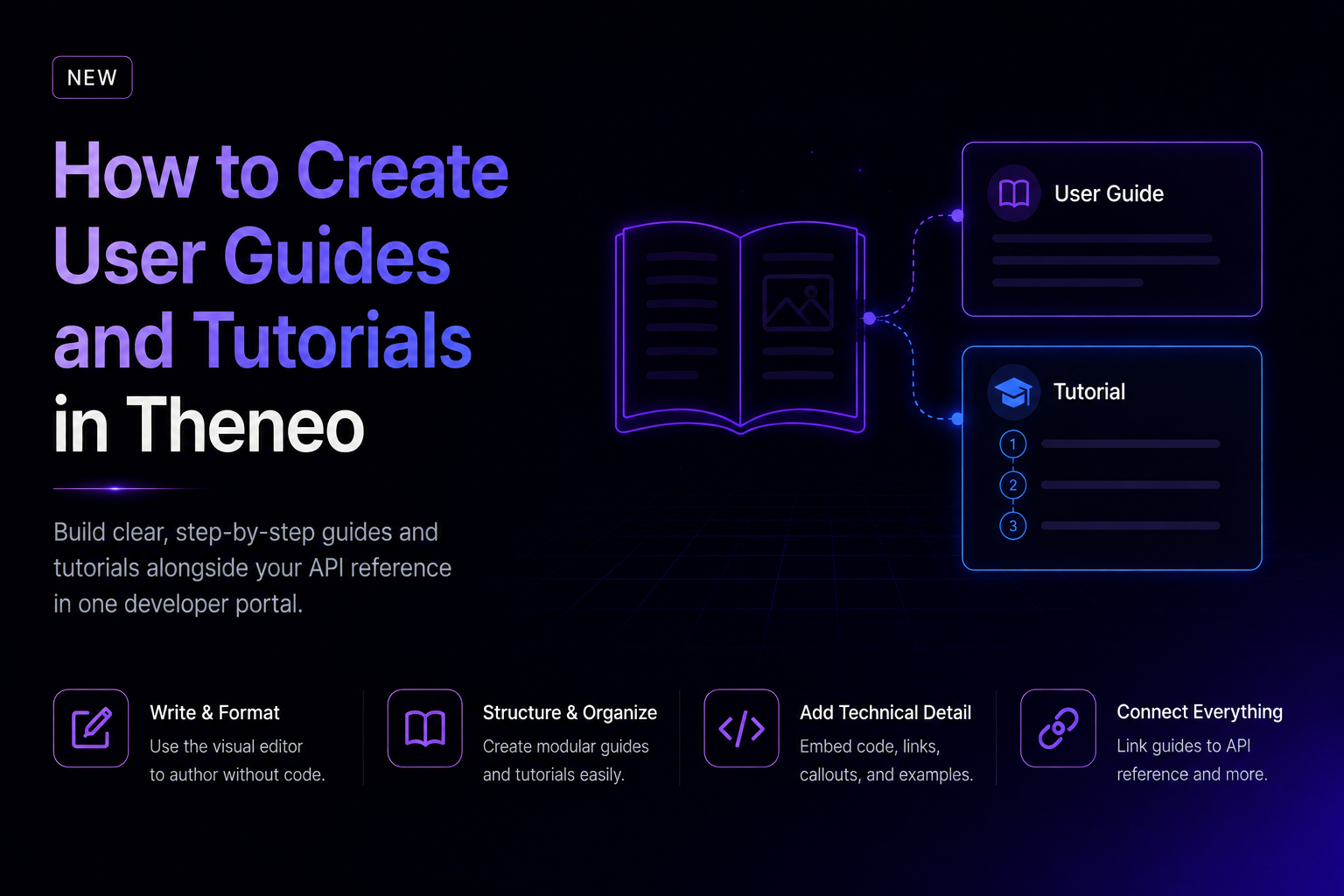
A user guide explains how to complete a task with a product, while a tutorial teaches a workflow through a sequence of steps. In Theneo, both can live beside your API reference in one developer portal.
What can you document beyond an API reference?
API reference answers which endpoint to call, which parameters are required, and what a response contains. Product documentation also needs to help someone get started, understand a concept, complete a workflow, solve a problem, and learn what changed.
A Theneo portal can combine getting-started guides, tutorials, conceptual explanations, troubleshooting, generated API references, and changelogs. This matters because a technically complete reference can still leave a developer unsure about the order of operations.
How do you create a user guide in Theneo?
Start with one reader outcome. Prefer an action such as "Configure authentication" over a vague label such as "Platform overview."
- Create the structure. Break the outcome into prerequisites, setup, core steps, verification, and troubleshooting.
- Write in the visual editor. Product managers and technical writers can build the narrative without working directly in code.
- Add technical detail. Include examples, code blocks, endpoint links, and decision callouts.
- Choose a guide-friendly layout. Theneo's Single Page Template is designed for modular guides, tutorials, onboarding, and help-center content.
- Review as a reader. Test every step and answer the likely next question.
Theneo's Themes and Templates guide recommends the Single Page Template for guides and tutorials. It supports modular sections, focused navigation, and deep links.
How should you structure a tutorial?
- Outcome: State what the reader will have at the end.
- Prerequisites: List required access, files, or prior setup.
- Steps: Put actions in the required order.
- Expected result: Show how to confirm each important step worked.
- Troubleshooting: Cover likely failures and how to identify them.
- Next step: Link to the next guide or relevant reference.
Keep one idea per section and answer the question before adding context. This improves scanning and makes the guide easier for search and AI answer systems to extract accurately.
Can developers manage guides in Markdown?
Yes. Teams can work with Markdown and the Theneo CLI while other contributors use the editor. The current Theneo documentation is the source of truth for supported workflows and setup guidance.
Markdown also provides a practical response to vendor-lock-in concerns because narrative content remains in a widely used text format. Keep source files in your own repository and test import and export workflows.
How customizable are Theneo user guides?
Teams can choose between the Single Page Template and Continuous Scrolling, then configure colors, logos, fonts, code-block styling, and advanced custom CSS or JavaScript. Use Single Page Template for tutorials and onboarding. Use Continuous Scrolling for shorter references.
What should you review before publishing?
- Does the opening define the task and outcome?
- Are prerequisites explicit?
- Can a new user complete every step?
- Do examples match current product behavior?
- Do links point to the correct reference version?
- Is there an owner and a review trigger?
AI can accelerate a first draft, but it should not be the final reviewer. Product behavior, permissions, and edge cases require human verification.
Build one portal around the reader's job
When guides and API documentation share one platform, a reader can learn the concept, follow the workflow, inspect the endpoint, and check recent changes without losing context. Start with one high-friction customer task and use support questions to decide what to write next.
Frequently Asked Questions
Can Theneo create documentation beyond API references?
Yes. Theneo supports guides, tutorials, onboarding, troubleshooting, API references, and changelogs.
What is the best Theneo template for user guides?
The Single Page Template is recommended for modular guides and tutorials.
Can developers manage guides in Markdown?
Yes. Teams can use Markdown and CLI workflows.
Can non-technical teams edit guides?
Yes. Product managers and technical writers can use the visual editor.
Should AI-generated documentation be reviewed?
Yes. Product behavior, permissions, examples, and edge cases require human verification.