2025 Release Week - Day 4 | MCP Server Support: AI-Ready Endpoints for Every API Project
Theneo introduces the MCP Server Generator, enabling teams to deploy AI-ready endpoints per API project with one CLI command. Instantly expose OpenAPI, context metadata, and tool manifests for seamless integration with AI agents like Claude and Cursor.
.avif)
MCP Server Support: AI-Ready Endpoints for Every API Project
Welcome to Day 4 of Launch Week — and today’s update is one of our most ambitious yet. We’re excited to introduce the Theneo MCP Server Generator, a one-command tool that gives your API projects structured, secure, and AI-native endpoints ready for tools like Claude, Cursor, and the broader MCP ecosystem.
With Theneo, you can now deploy a per-project MCP Server — not tied to your entire workspace — and control exactly how your OpenAPI, metadata, and access logic are exposed.
.avif)
What Is MCP Server?
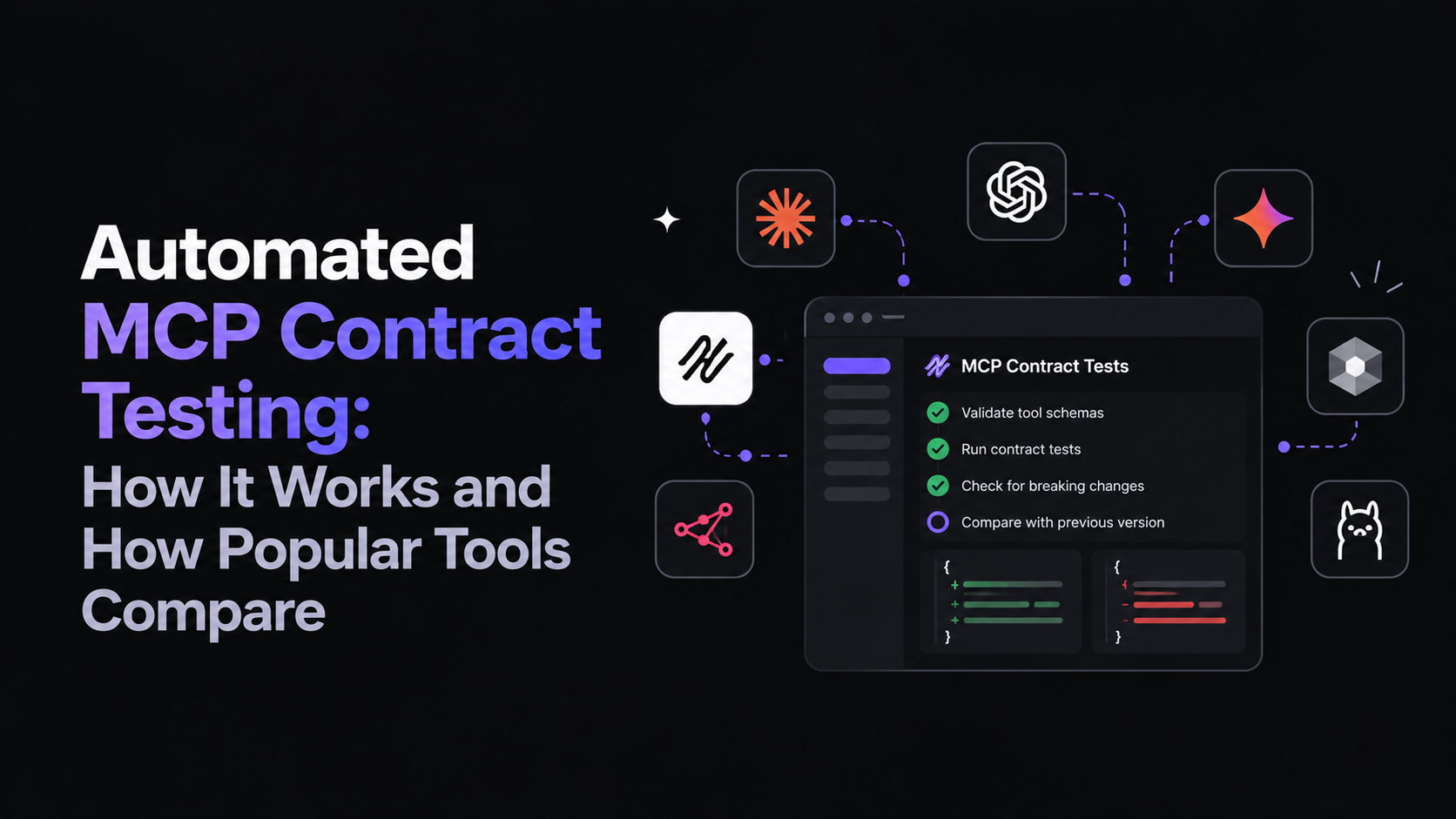
MCP (Model Context Protocol) is an emerging standard designed to help AI agents understand, invoke, and interact with APIs. By exposing standardized endpoints like /openapi, /context, and a tool manifest, you’re giving your APIs the superpower of being invocable by LLMs.
With Theneo’s new generator, you can:
- Deploy an MCP server for any Theneo API project
- Auto-generate a compliant OpenAPI spec — no manual setup
- Control access via headers or tokens
- Customize which endpoints are publicly accessible
- Register instantly with the MCP Playground, Claude, or Cursor
One CLI Command Is All It Takes
npx @theneo/mcp add [projectSlug]
Boom — you now have a fully running MCP server. It can expose /openapi, /context, and a full .well-known/mcp/tool-manifest.json for agent registration.
Built-in Configuration and Access Control
Every project has a dedicated MCP tab in the Theneo dashboard, where you can:
- Enable/disable MCP support
- Toggle endpoint exposure
- Define auth headers like
X-Customer-ID - Choose between Local, Self-hosted, or Theneo Preview deployment modes
- Register or unlist your project from the MCP Playground
You can even copy the CLI commands, preview your server, and (soon) check logs — all from one place.
What You Can Do With It
- Serve dynamic documentation as AI-readable endpoints
- Generate context-aware APIs per customer, team, or use case
- Enable Claude, Cursor, and agents to discover and use your API
- Build secure integrations with headers, private mode, or scoped tokens
This isn’t just a static spec. It’s a full layer for AI-native API delivery, with context metadata, access controls, and auto-registration.
Security by Default
- No endpoint is exposed unless you toggle it on
- Use public/private modes for each project
- Add identity headers like
X-User-IDorX-Customer-ID - Plan for token auth (coming soon)
What Theneo Users Get
- 🧩 Per-project MCP Server deployment
- ⚡ Auto-generated OpenAPI + Tool Manifest
- 🔐 Header-based or private access
- 🧠 LLM and agent compatibility
- 🌐 One-click MCP Playground registration
- 🖥 CLI + UI control
- ☁️ Local, hosted, and Theneo preview support
Want to Try It?
Send us an email at hello@theneo.io to activate this feature
or fill out the form here https://swoees1jpxa.typeform.com/to/N3LEqnGf
.jpeg)